
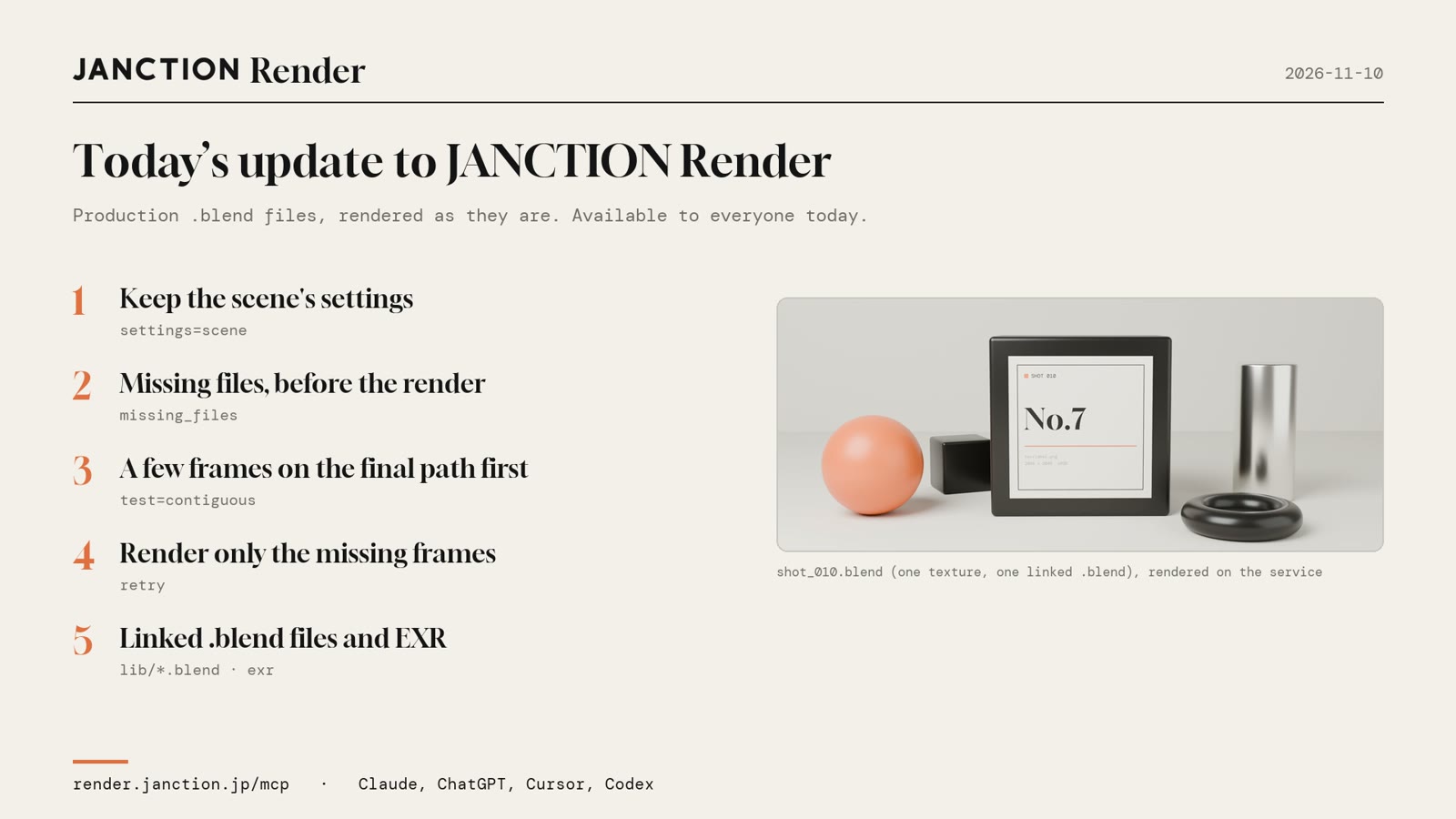
JasmyLab has updated JANCTION Render, its Blender cloud GPU rendering service for AI agents, so that .blend files used in production render through to the final output as they are, with no settings changed. Five things were added, including a check for missing files, a test run with the same settings as the final, and re-rendering only the missing frames. They are available to everyone.
- Resolution, sample count, fps and color settings can be rendered exactly as saved in the .blend.
- If a texture or a linked .blend is missing, its name is returned before anything renders. Nothing is charged at that point.
- A few frames can be rendered first with the same settings as the final and checked, and the total time and cost come from that measurement. If a render stops partway, only the missing frames are rendered again.
The images and numbers below come from a scene with one texture and one linked .blend (shot_010.blend, 24 frames), rendered on the production service on November 10, 2026.
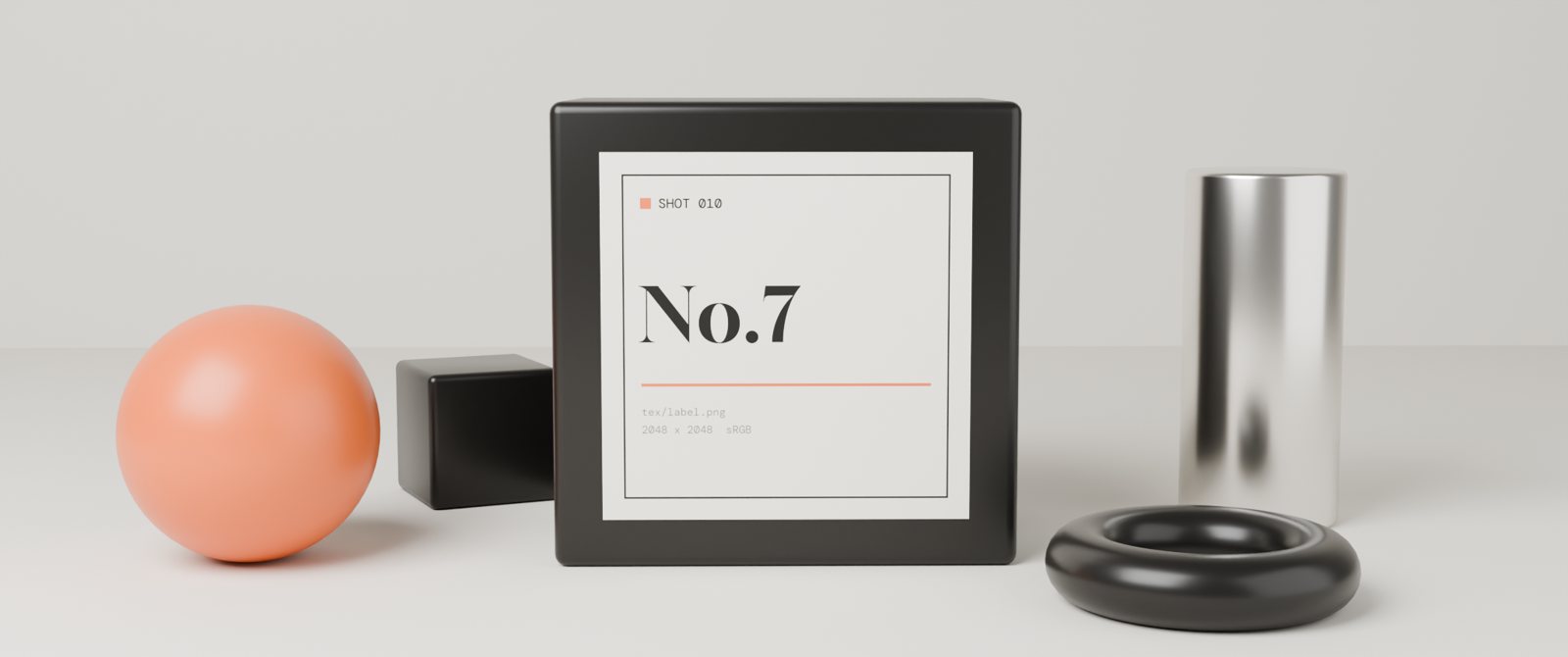
The five additions
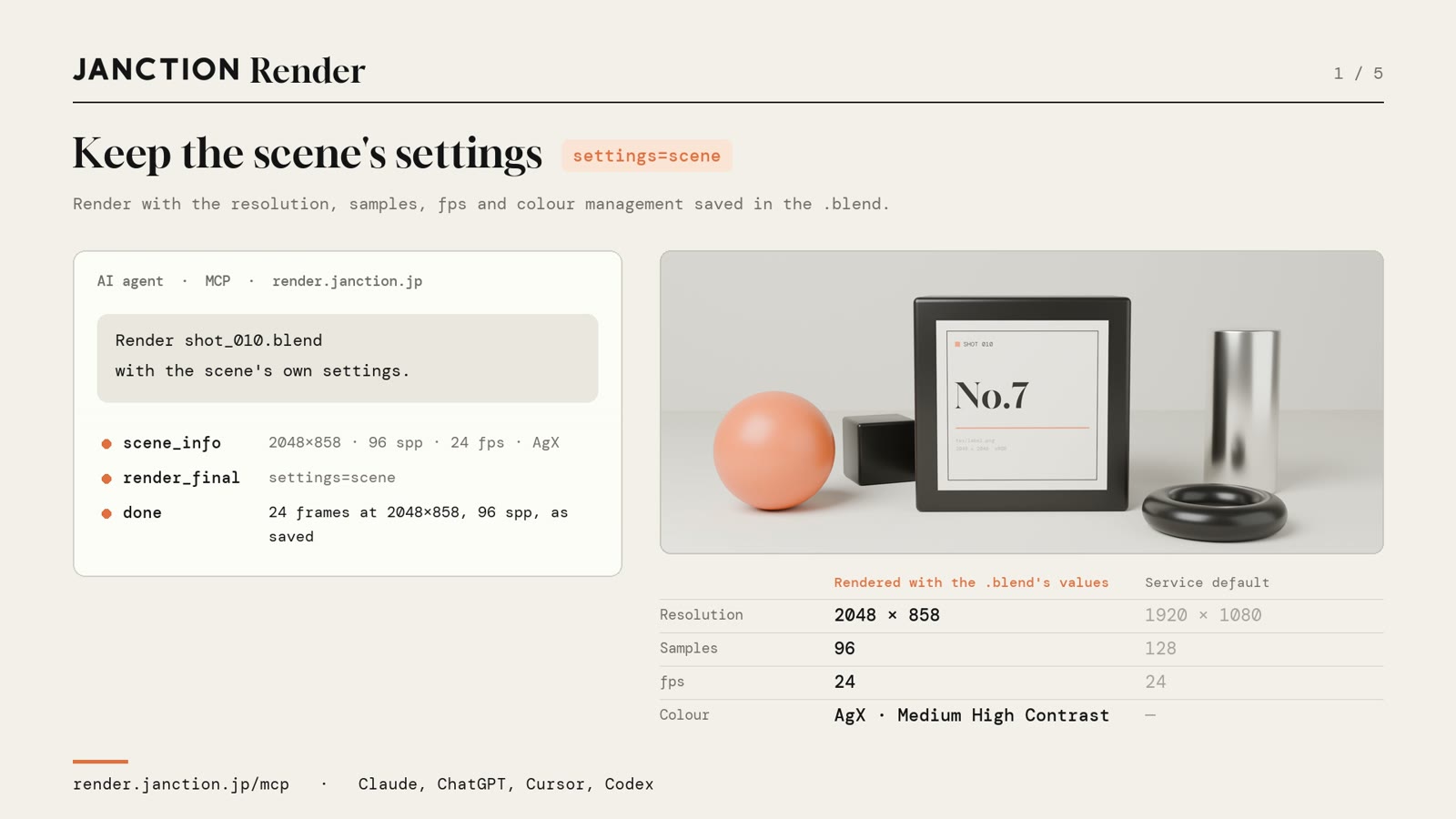
1. Render with the scene's own settings
Until now, renders used the service's default resolution and sample count. You can now choose to render with the resolution, sample count, fps and color settings (color management) saved in the .blend. The example scene was rendered for 24 frames at 2048x858, 96 samples, 24 fps and AgX (Medium High Contrast), as saved.
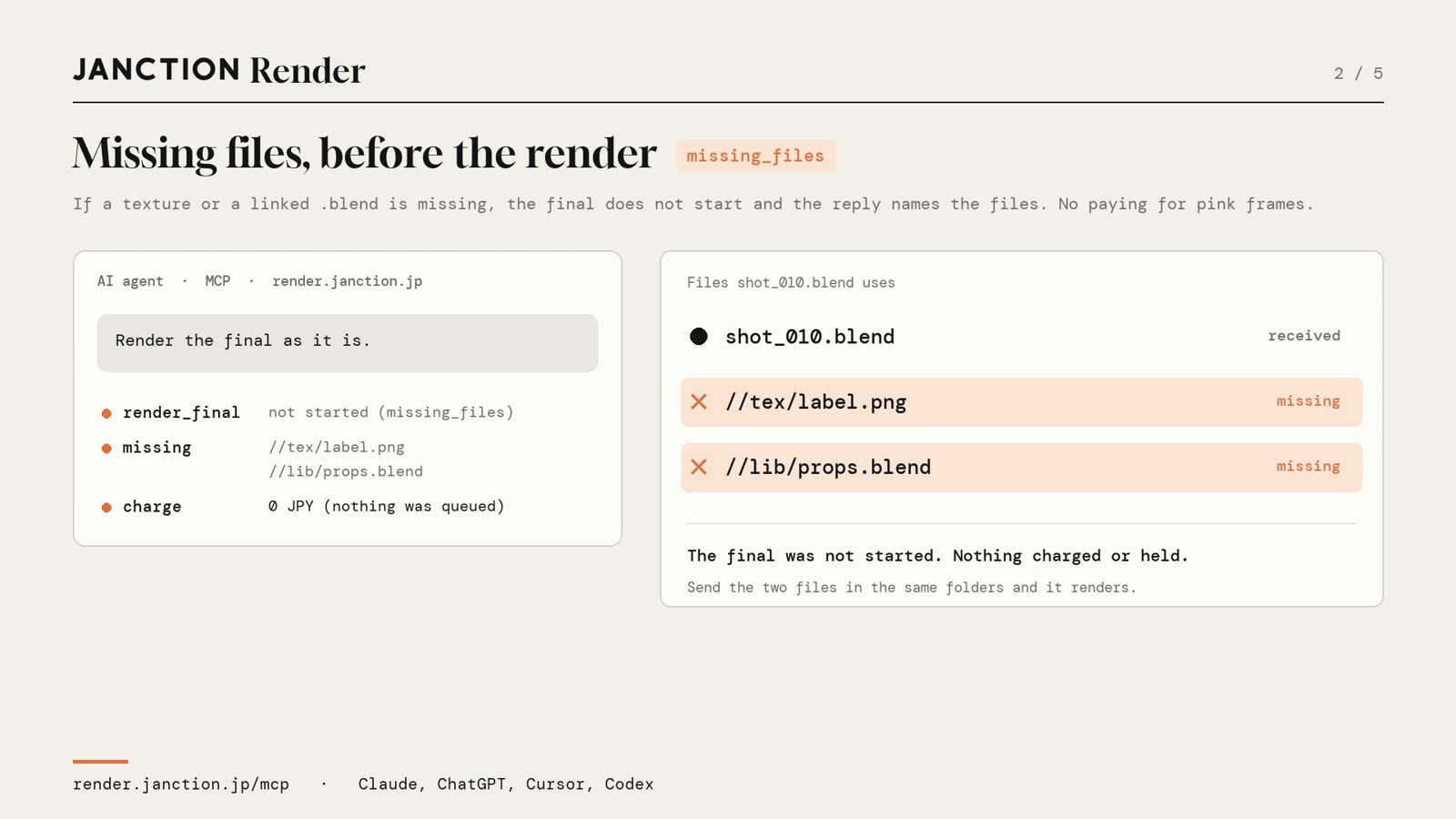
2. Missing files are named before rendering
When a texture is missing the image turns pink or black, and when a linked .blend is missing objects disappear. Noticing this after rendering wastes that time and cost. The service now checks the files a scene refers to before the final render starts, and if any are missing it returns their names and stops. In the example, tex/label.png and lib/props.blend were reported as missing, and both the charge and the hold on funds were 0 JPY. Sending the two files in the same folder layout lets the scene render as it is.
3. A few frames first, with the final settings
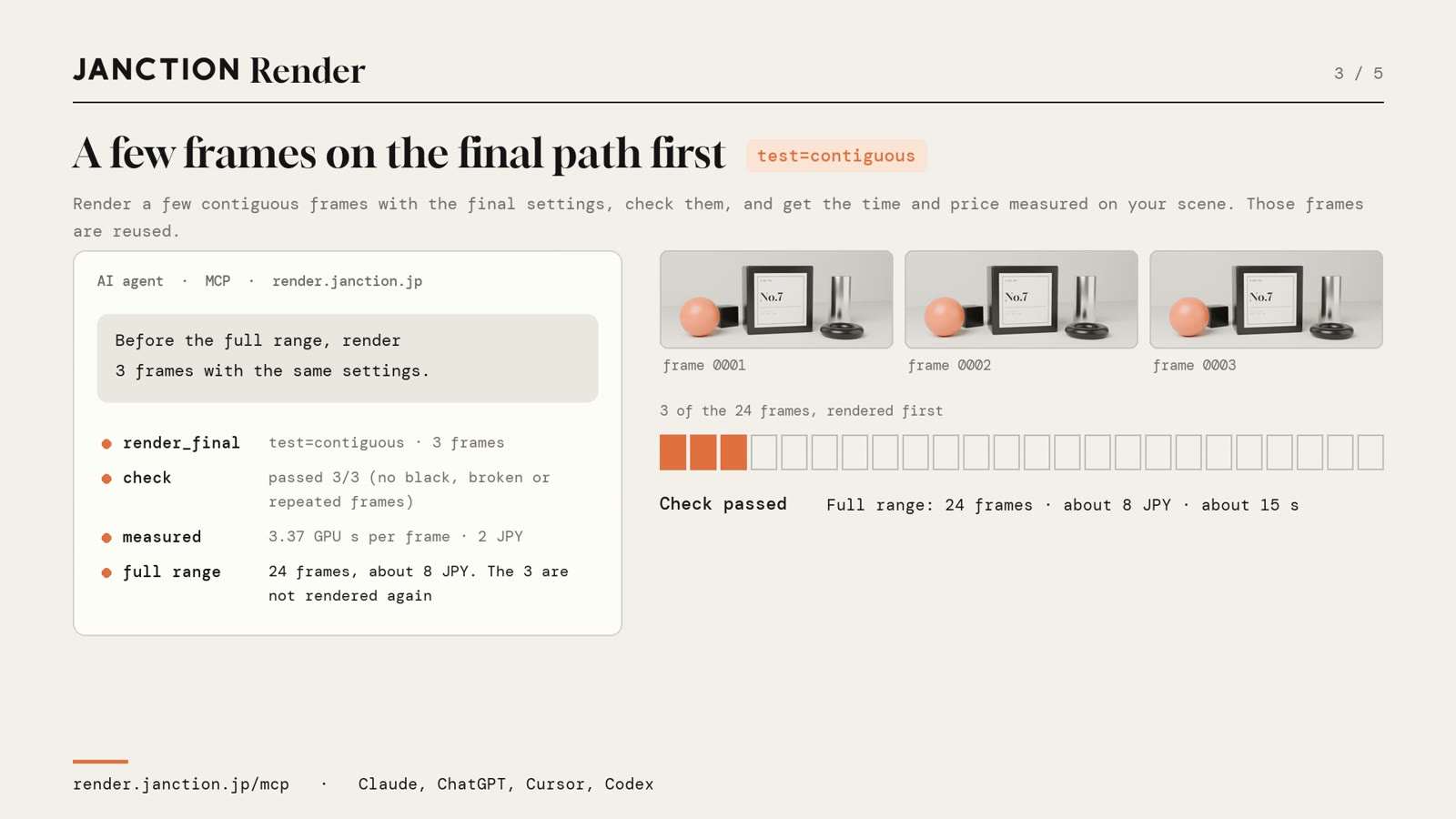
A few consecutive frames are rendered first with the same settings as the final and checked, and the total time and cost are estimated from that measurement. The frames rendered first are reused in the full render. In the example, 3 of the 24 frames were rendered first and passed the check, and the estimate for the whole came back as about 8 JPY and about 15 seconds.
4. Only the missing frames are rendered again
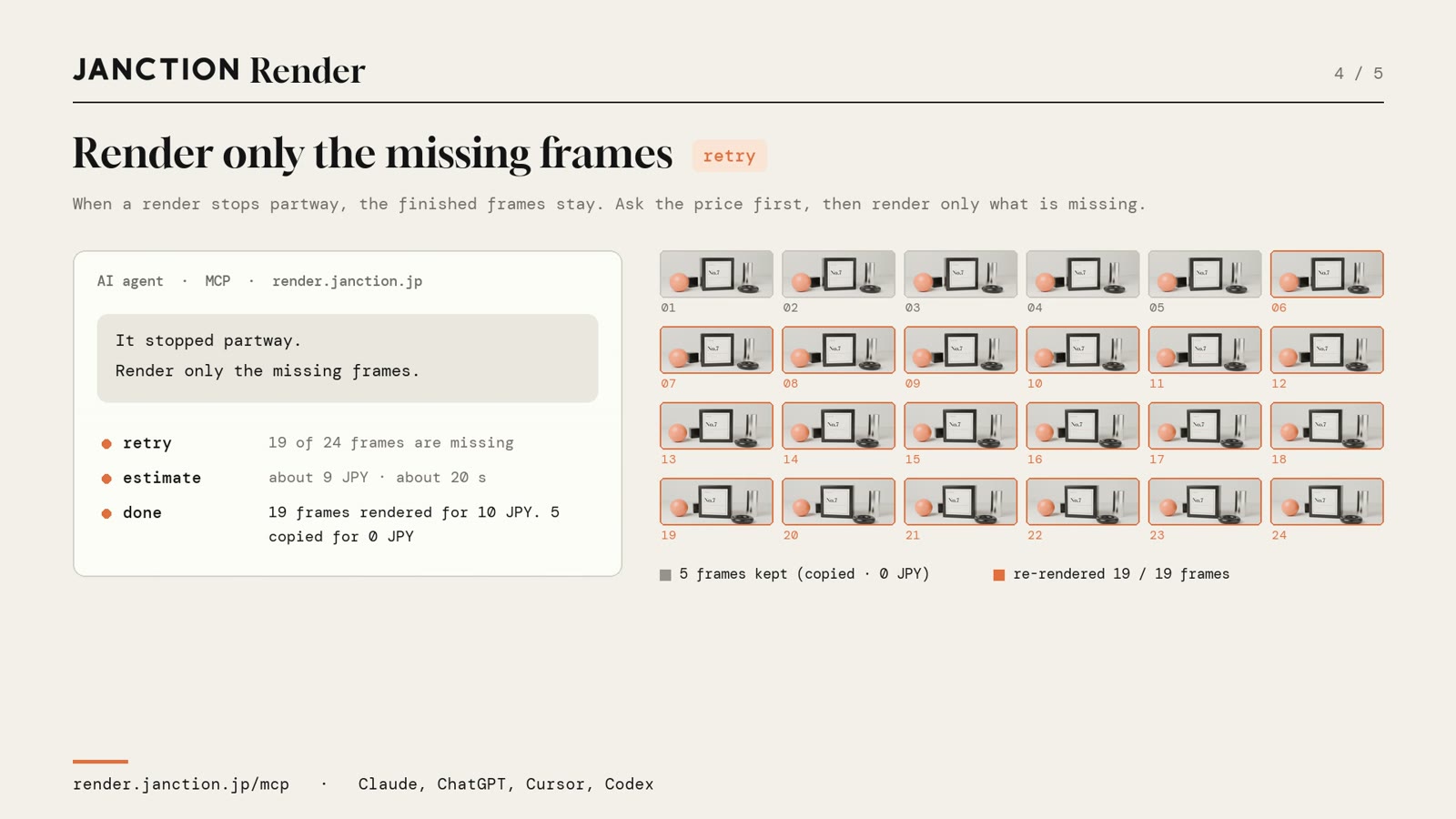
If a final render stops partway, the frames already rendered are kept. A re-render covers only the missing frames, and the finished frames are copied over. In the example, the render was stopped when 5 of the 24 frames were done, and only the remaining 19 frames were rendered again. The 19 frames cost 10 JPY, and the 5 copied frames cost 0 JPY.
5. Linked .blend files, and EXR for compositing
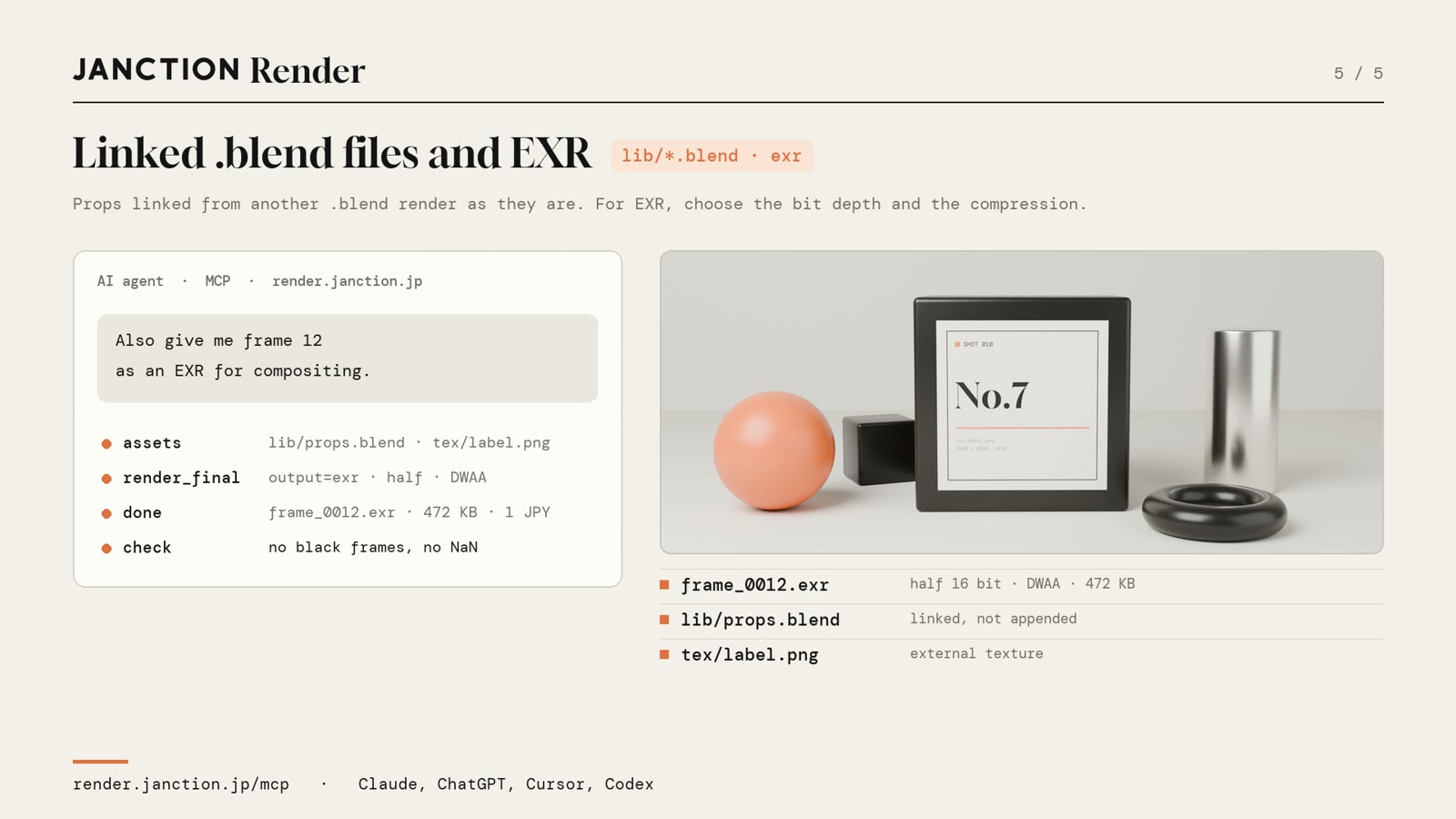
Props linked from another .blend render as links. For EXR used in compositing, the bit depth and compression can be chosen. In the example, frame 12 was written as a half 16-bit DWAA EXR: 472 KB, 1 JPY. A check for black frames and invalid values (NaN) is included.
Measured results
| Item | Result |
|---|---|
| Scene | shot_010.blend (one texture, one linked .blend, 24 frames, rendered with Blender 5.2) |
| Settings | 2048x858, 96 samples, 24 fps, AgX (as saved in the .blend) |
| Missing-file check | Two names returned and the job stopped, 0 JPY charged |
| Test run | 3 frames rendered and passed; estimate for the whole about 8 JPY and about 15 seconds |
| Re-render | Only 19 frames rendered for 10 JPY; 5 frames copied for 0 JPY |
| EXR | half 16-bit, DWAA, 472 KB, 1 JPY |
FAQ
- How do I render with the resolution and sample count saved in the .blend?
- Ask the AI to "render the final with the scene's settings" (the parameter is settings=scene). Resolution, sample count, fps and color settings are used as saved in the .blend.
- What happens if I forget to send a texture or a linked .blend?
- The job stops before the final render starts and the names of the missing files come back. Nothing has rendered, so there is no charge and no hold on funds.
- Does a final render that stopped partway start again from the beginning?
- No. The frames already rendered are used as they are, and only the missing frames are rendered again. Before the re-render, the number of missing frames and an estimate are returned.
About JANCTION Render
JANCTION Render is a Blender cloud GPU rendering service for AI agents, provided by JasmyLab. By adding one MCP endpoint to an AI agent such as ChatGPT, Claude, Codex or Cursor, or by sending a file from the browser, you can render Blender scenes on GPUs in a Tokyo data center without a local GPU or Blender. You check a preview that comes back in seconds before moving on to the final render, and the amount is shown before anything renders. No sign-up is needed, and a new API key comes with 100 JPY of free credit. Supported Blender versions are 3.6, 4.2, 4.5, 5.0 and 5.2.
- Service site: https://render.janction.jp/
- MCP endpoint: https://render.janction.jp/mcp
- Launch announcement: JANCTION Render is now available: Blender cloud GPU rendering for AI agents
Related news
- 2026.11.09 Show us what you render: JANCTION Render giveaway, through November 16
- 2026.11.06 JANCTION Render update: previews now come back for heavy scenes
- 2026.11.05 JANCTION Render update: six new options for creators
- 2026.11.04 JANCTION Render update: Grease Pencil line art now renders in Cycles
Announcement on X (Japanese): https://x.com/JanctionMGT_JP/status/2120104826520653863