
JasmyLab has updated JANCTION Render, its Blender cloud GPU rendering service for AI agents, so that previews now come back for heavy scenes. Even for a .blend that takes tens of seconds to prepare a single frame, a preview no longer times out with nothing returned; the result comes back with the frames that were rendered within the time limit.
- When a preview times out, the result comes back with the frames rendered within the time limit. The lost time is not charged.
- Submitting again with the same settings does not start a new preview, and only one job stays in the queue.
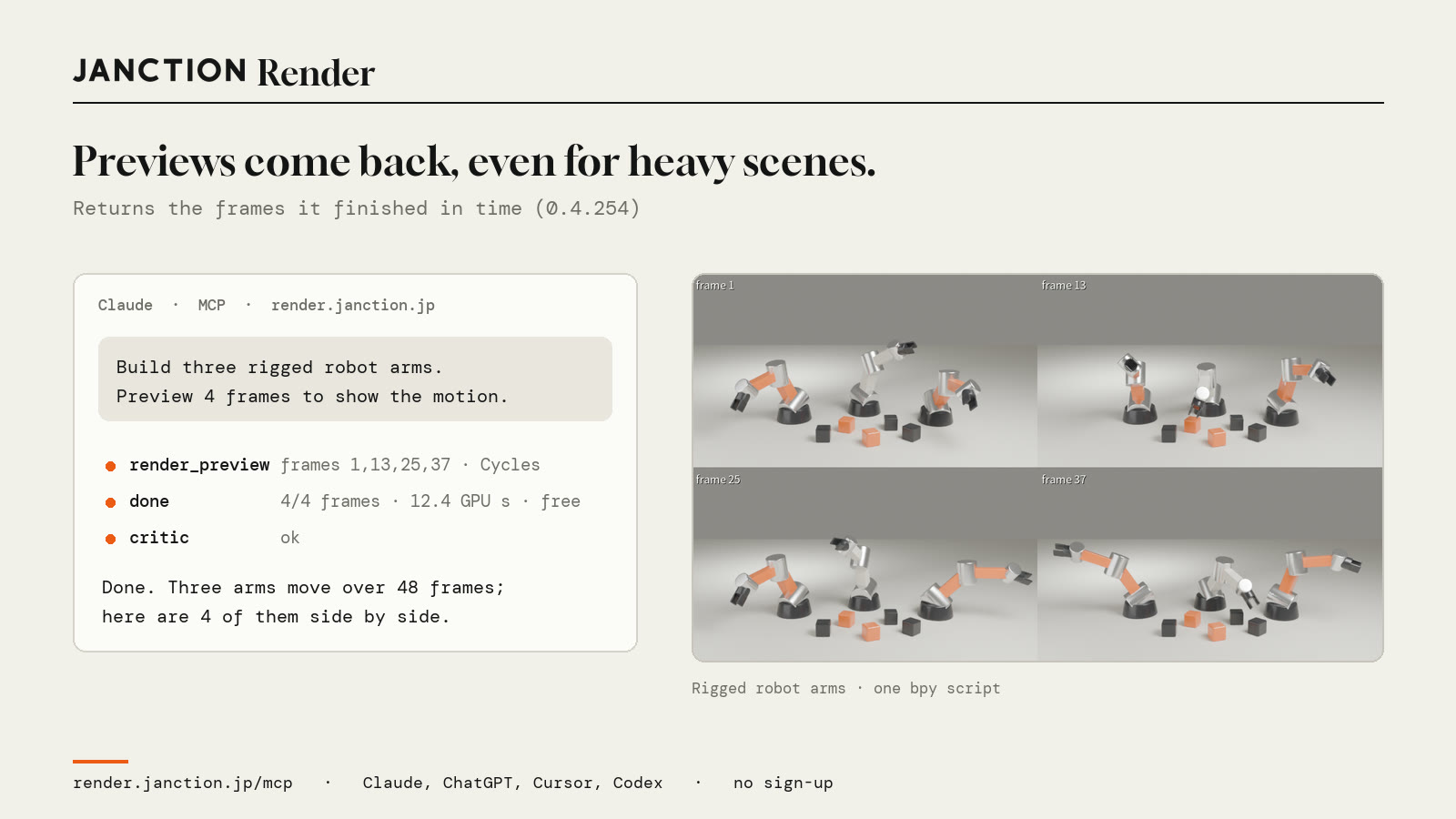
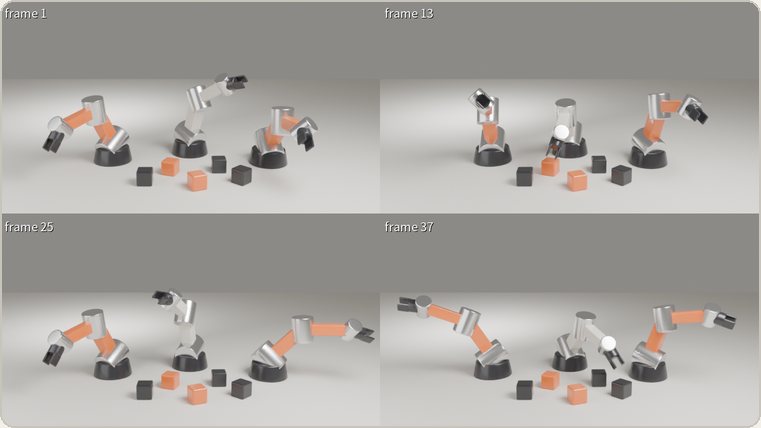
- For the robot arm image shown here, the 4-frame preview took 12.4 GPU-seconds and was within the free allowance.
What changed
A preview is a render for checking composition and materials in a few seconds before the final render, and it has a time limit. In scenes with many bones or modifiers, the preparation before a frame starts rendering can take tens of seconds, and until now a preview that reached the limit ended with nothing returned. This update (version 0.4.254) fixes the following three points.
- If any frames were rendered within the time limit, the result comes back with those frames. The response notes that the preview timed out.
- If the same preview is submitted again while it is still rendering, no new preview is started and the same preview is returned.
- A preview that has already timed out once with the same scene and settings is not resubmitted as it is. The response recommends rendering a single frame, lowering the sample count, or reducing the size.
About the image shown here
The image at the top was made by connecting JANCTION Render to Claude over MCP and making the following request. The AI built three bone-driven robot arms with a single bpy script.
Build three robot arms driven by bones. Render a preview with four frames side by side so I can see the motion.
FAQ
- Am I charged for the time that ran out?
- No. There is no charge for time lost to a timeout.
- What should I do if the preview still does not finish within the time limit?
- The response recommends one of the following: rendering a single frame, lowering the sample count, or reducing the size. Resubmitting with the same settings would not change the result, so the request is stopped when it is submitted.
- What happens if I submit the same preview twice?
- If the same preview is still rendering, no new preview is started and that preview is returned. Only one job stays in the queue.
About JANCTION Render
JANCTION Render is a Blender cloud GPU rendering service for AI agents, provided by JasmyLab. By adding one MCP endpoint to an AI such as ChatGPT, Claude, Codex or Cursor, or by sending a file from the browser, you can render Blender scenes on GPUs in a Tokyo data center without a local GPU or Blender. You check the scene with a preview that comes back in a few seconds and then move on to the final render, and the price is shown before rendering. No sign-up is required, and each new API key comes with 100 JPY of free credit. Supported Blender versions are 3.6, 4.2, 4.5, 5.0 and 5.2.
- Service site: https://render.janction.jp/
- MCP endpoint: https://render.janction.jp/mcp
- Launch announcement: JANCTION Render is now available: Blender cloud GPU rendering for AI agents
Related news
- 2026.11.10 JANCTION Render update: production .blend files now render as they are
- 2026.11.09 Show us what you render: JANCTION Render giveaway, through November 16
- 2026.11.05 JANCTION Render update: six new options for creators
- 2026.11.04 JANCTION Render update: Grease Pencil line art now renders in Cycles
Announcement on X (Japanese): https://x.com/JanctionMGT_JP/status/2118629721416085534