
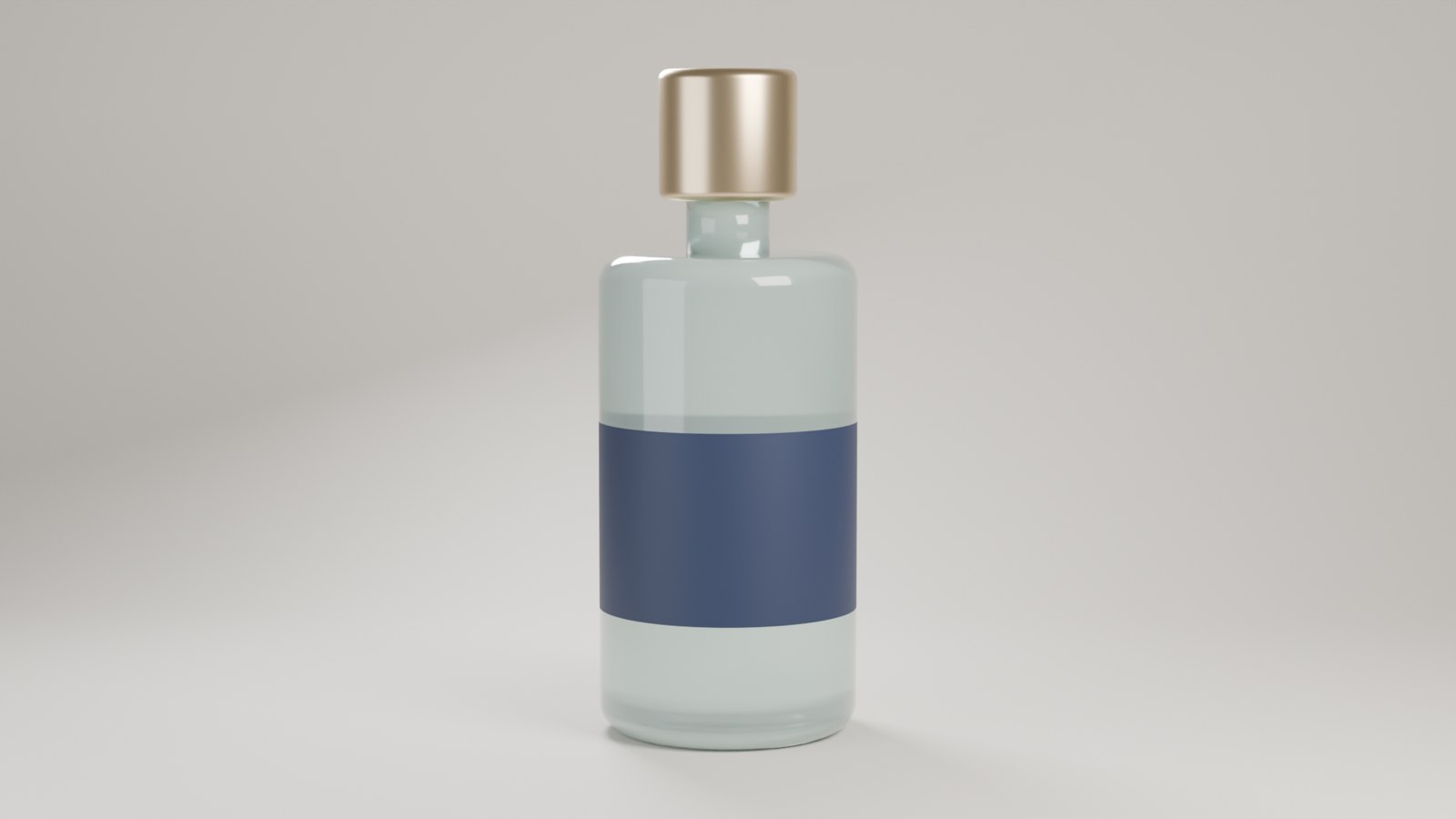
JasmyLab's JANCTION Render, its Blender cloud GPU rendering service for AI agents, can now change the colour of one material while keeping what the client approved. On a bottle, only the label changes; the glass, the cap, the camera and the lights stay as they are. A render that changes an approved part is refused before anything is drawn, with nothing charged. Cloth, rigid body and other simulations in a .blend can now also be baked before a long animation is split across GPUs.
- Name the material and the colour in colors on render_final, and only that material changes. Other materials are untouched.
- Put the camera or the lights in lock and the approved render in lock_base, and a render that changes them is refused before anything is drawn, with nothing charged.
- Cloth and rigid bodies in a .blend can be baked before a long animation is split across GPUs. Scene selection and File Output images (Blender 5.0, 5.2 and 5.3) are supported too.
The images and figures below were rendered on the production service (render.janction.jp).
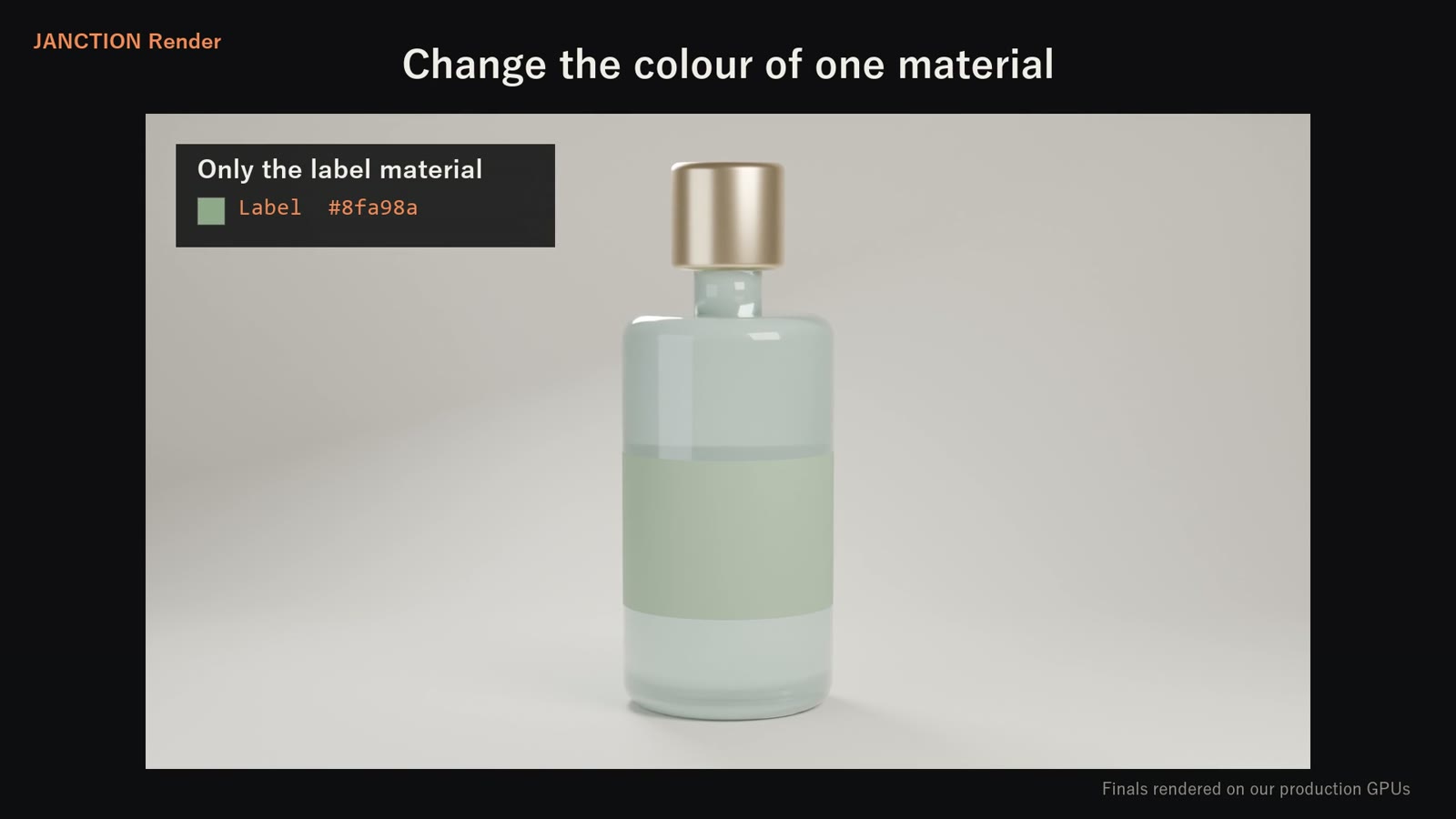
Change the colour of one material
1. Only the label, not the glass or the cap
Name the material and the colour in colors on render_final, and only that material is rendered in the new colour. Other materials are untouched. Use it for a sheet of colourways or for a final.
Keep what the client approved
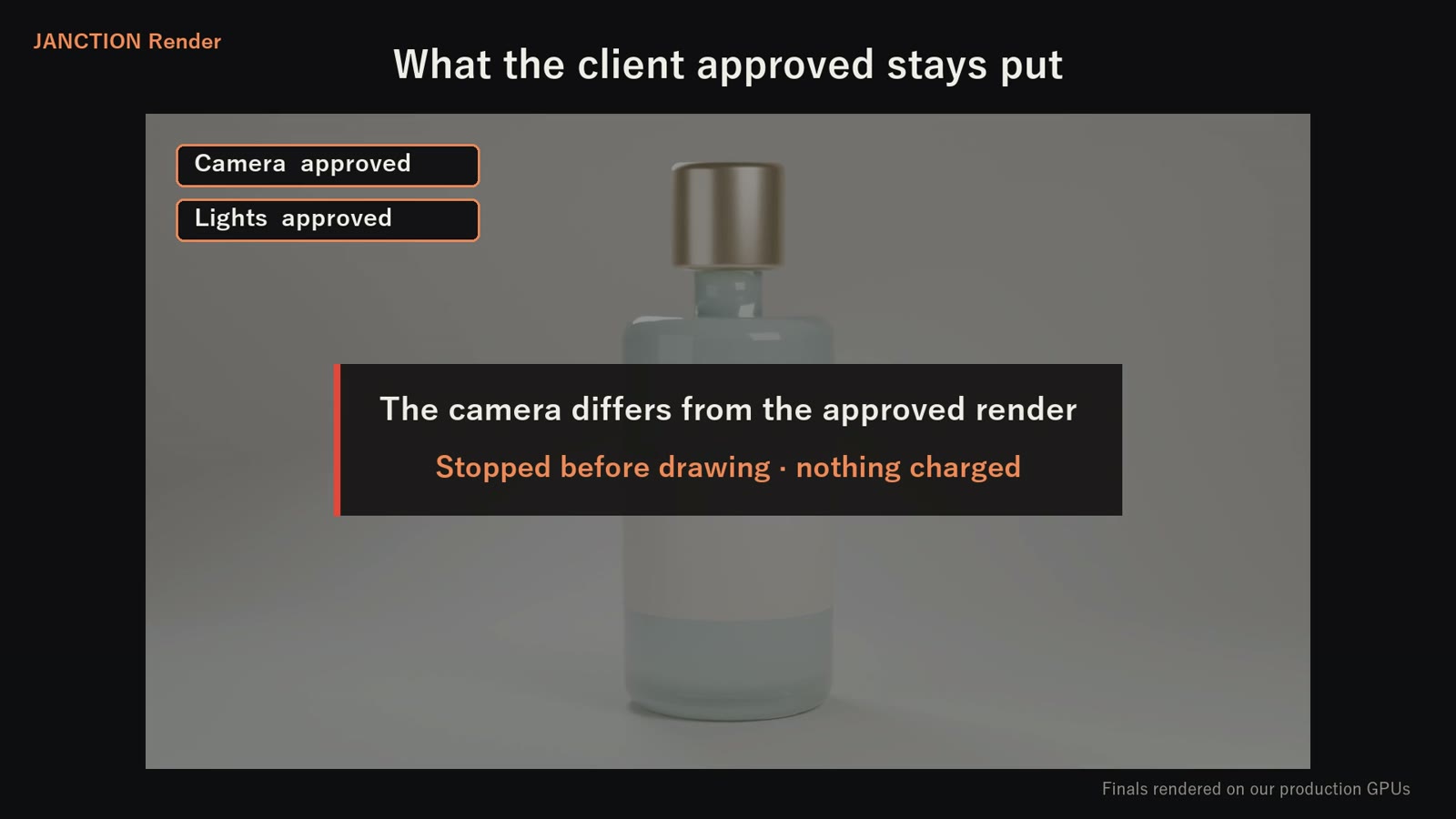
2. Refused before drawing if an approved part changes
Put the camera or the lights in lock and the approved render in lock_base, and a render that changes them is refused before anything is drawn. Nothing is rendered, so nothing is charged.
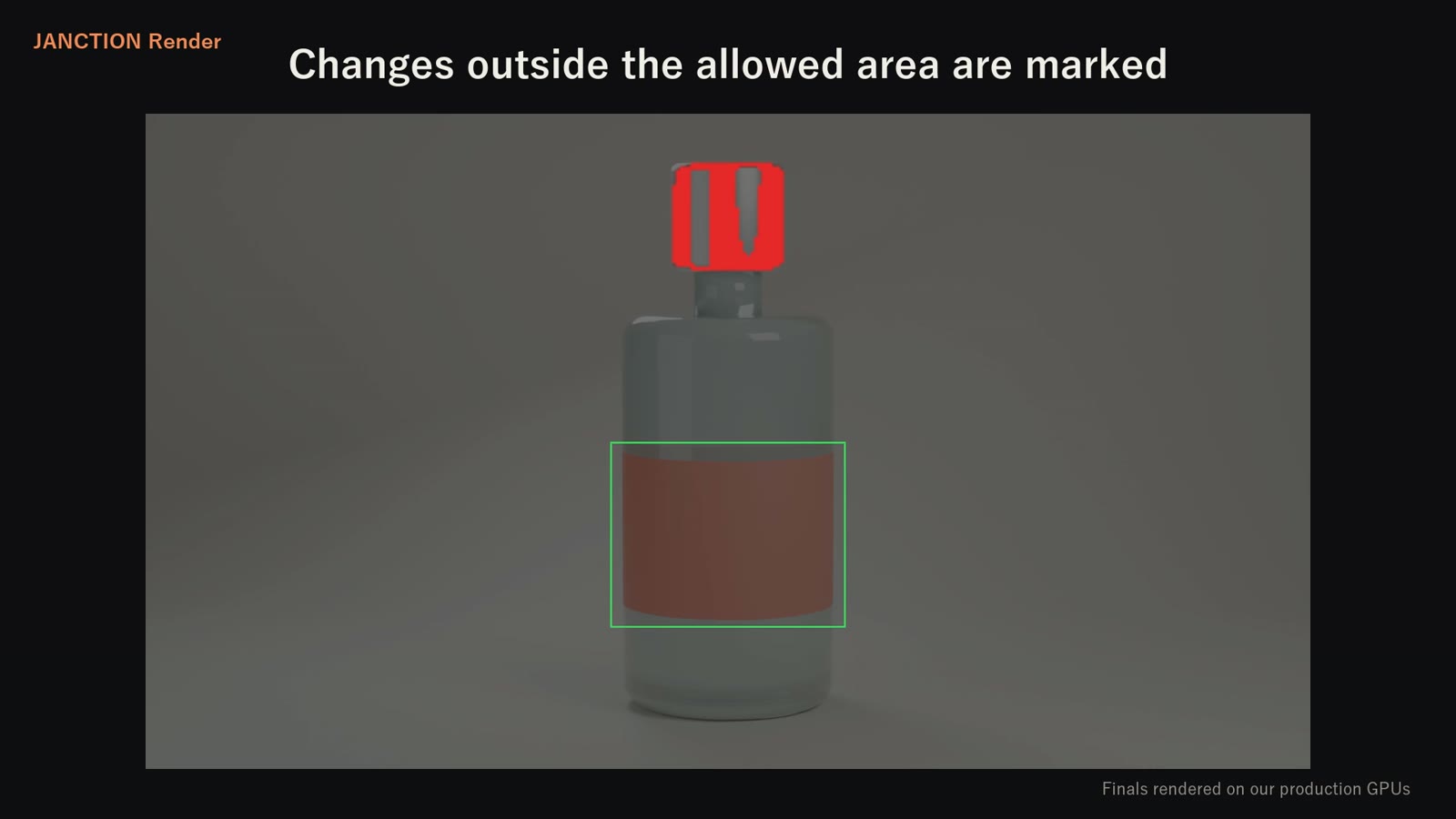
3. Changes outside the allowed area are marked
When comparing with an earlier final, set the area allowed to change with compare_allow, and frames that changed outside it are marked.
Bring the .blend as it is
4. Bake simulations, then split across GPUs
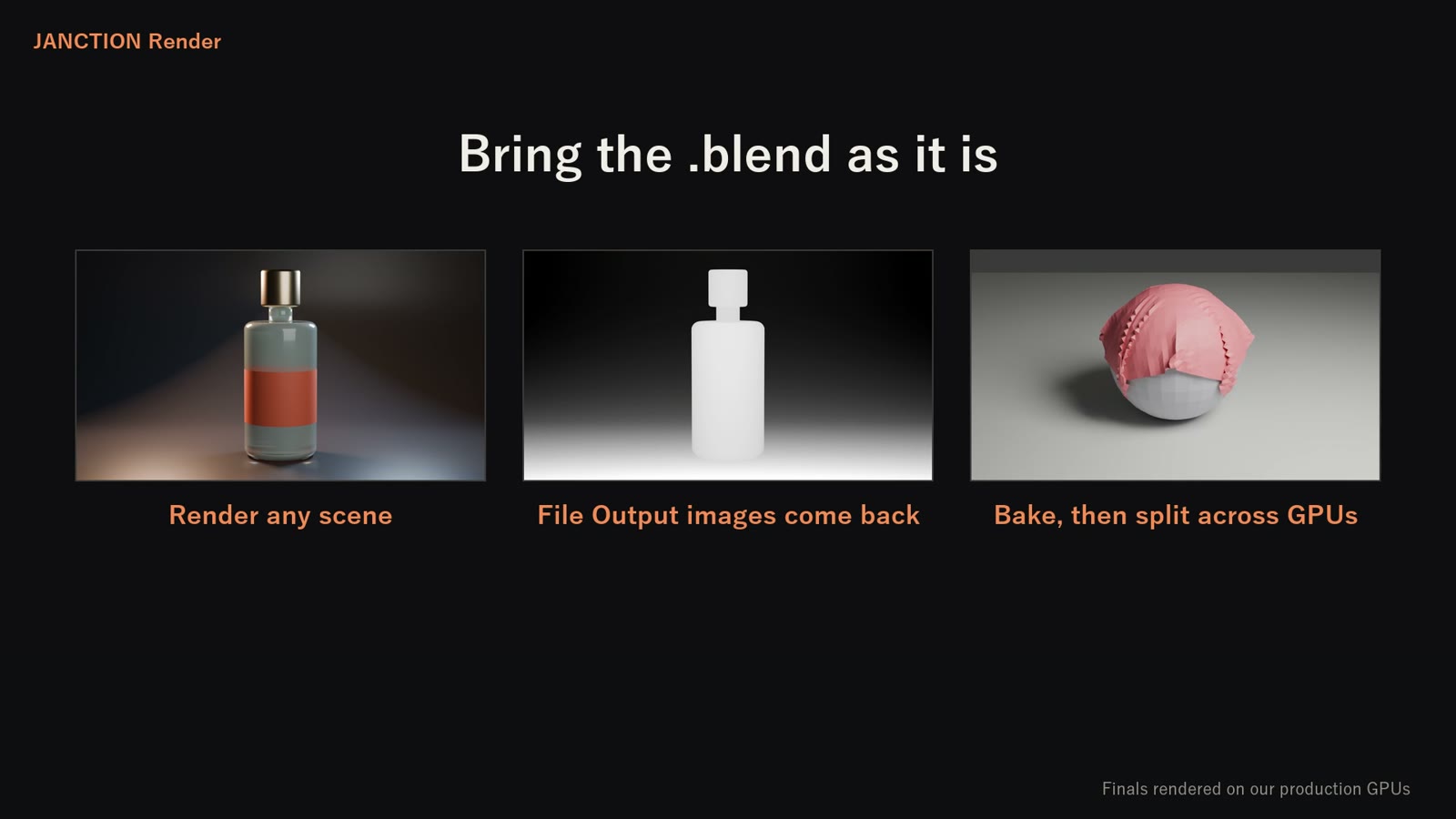
Cloth, rigid body, particle and other simulations in a .blend can be baked on the service before rendering (from the browser, the CLI or the API), so long animations can be split across GPUs. A .blend with several scenes can render any of them, and the images the compositor's File Output nodes write, such as extra passes in OpenEXR, come back with the render (Blender 5.0, 5.2 and 5.3).
How to use it
From an AI agent, add the MCP endpoint (https://render.janction.jp/mcp) and ask:
Render the label in six colours. Keep the camera and lights as in the approved render.
From the browser, try it on the workbench at render.janction.jp (no sign-up).
Measured results
| Item | Result |
|---|---|
| Colour of the label material only | Six colours at 1920x1080, 128 samples. Glass and cap unchanged |
| Scene with the approved camera moved | Refused before drawing, nothing charged |
| Change outside the allowed area | The cap's colour change was found (up to 1.03%) |
| Cloth simulation .blend | Rendered at 1280x720, 40 frames |
Frequently asked questions
- How do I change the colour of one material?
- Ask your AI, for example "make just the label navy", or name the material and the colour in colors on render_final. Other materials are untouched.
- What happens if an approved part changes?
- If the camera or lights in lock differ from the approved render (lock_base), the render is refused before anything is drawn, with nothing charged.
- How do I see changes outside the allowed area?
- When comparing with an earlier final, set the allowed area with compare_allow, and frames that changed outside it are marked.
- Which Blender versions return File Output images?
- Blender 5.0, 5.2 and 5.3. A .blend with several scenes can render any of them.
About JANCTION Render
JANCTION Render is JasmyLab's Blender cloud GPU rendering service for AI agents. Add one MCP endpoint to ChatGPT, Claude, Codex or Cursor, or send a file from the browser, and your AI can render Blender images and videos without a local GPU or Blender.
- Service: https://render.janction.jp/
- MCP endpoint: https://render.janction.jp/mcp
On X: https://x.com/JANCTION_Global/status/2125856335485153621