
JasmyLab's JANCTION Render, its Blender cloud GPU rendering service for AI agents, now crops vertical and square videos around the subject. From one landscape final, you get a vertical video for Reels and Shorts and a square one for feeds, with no re-render. A render that would cost more than its estimate is now refused before it starts, and every final comes with a delivery list.
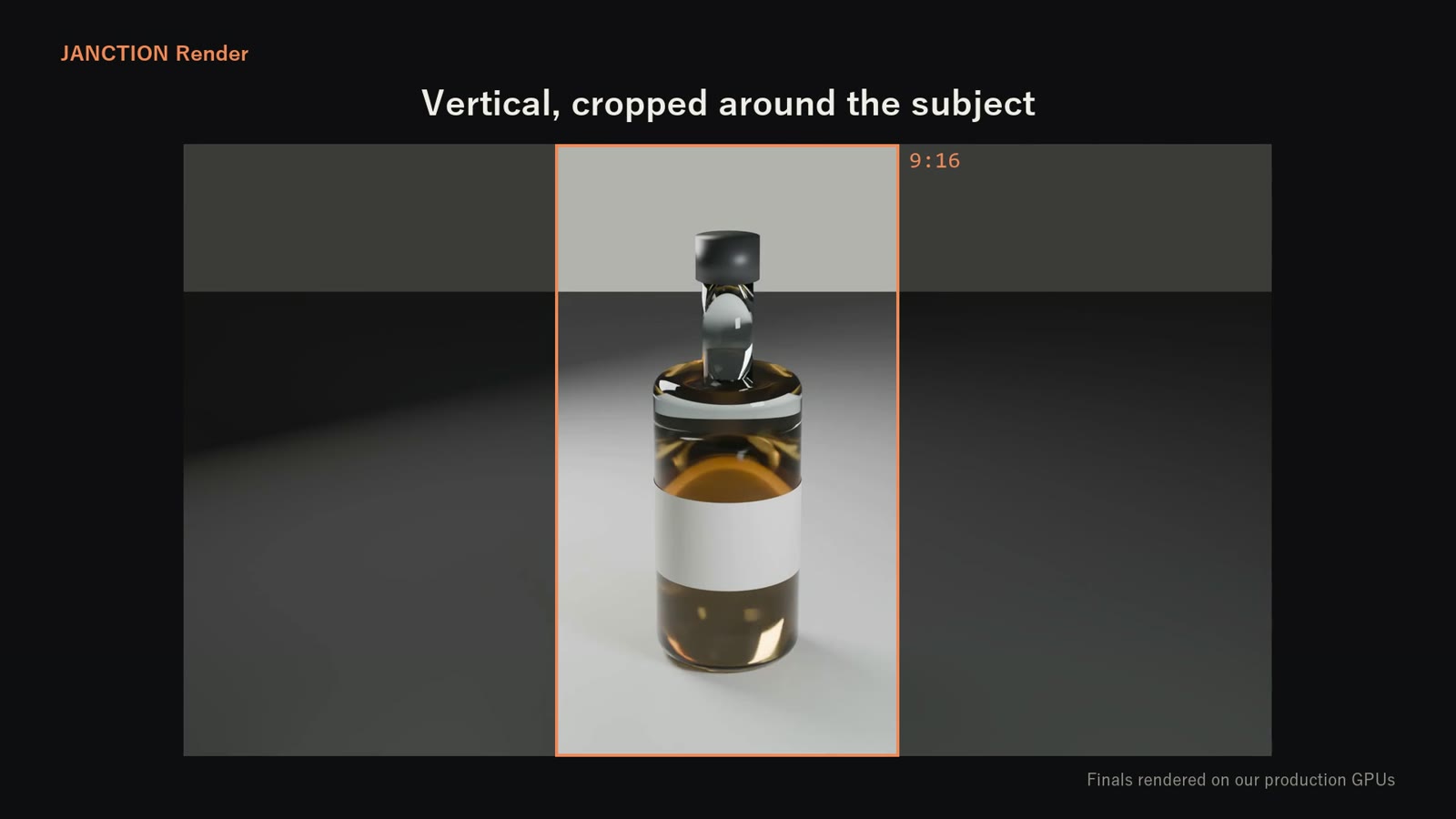
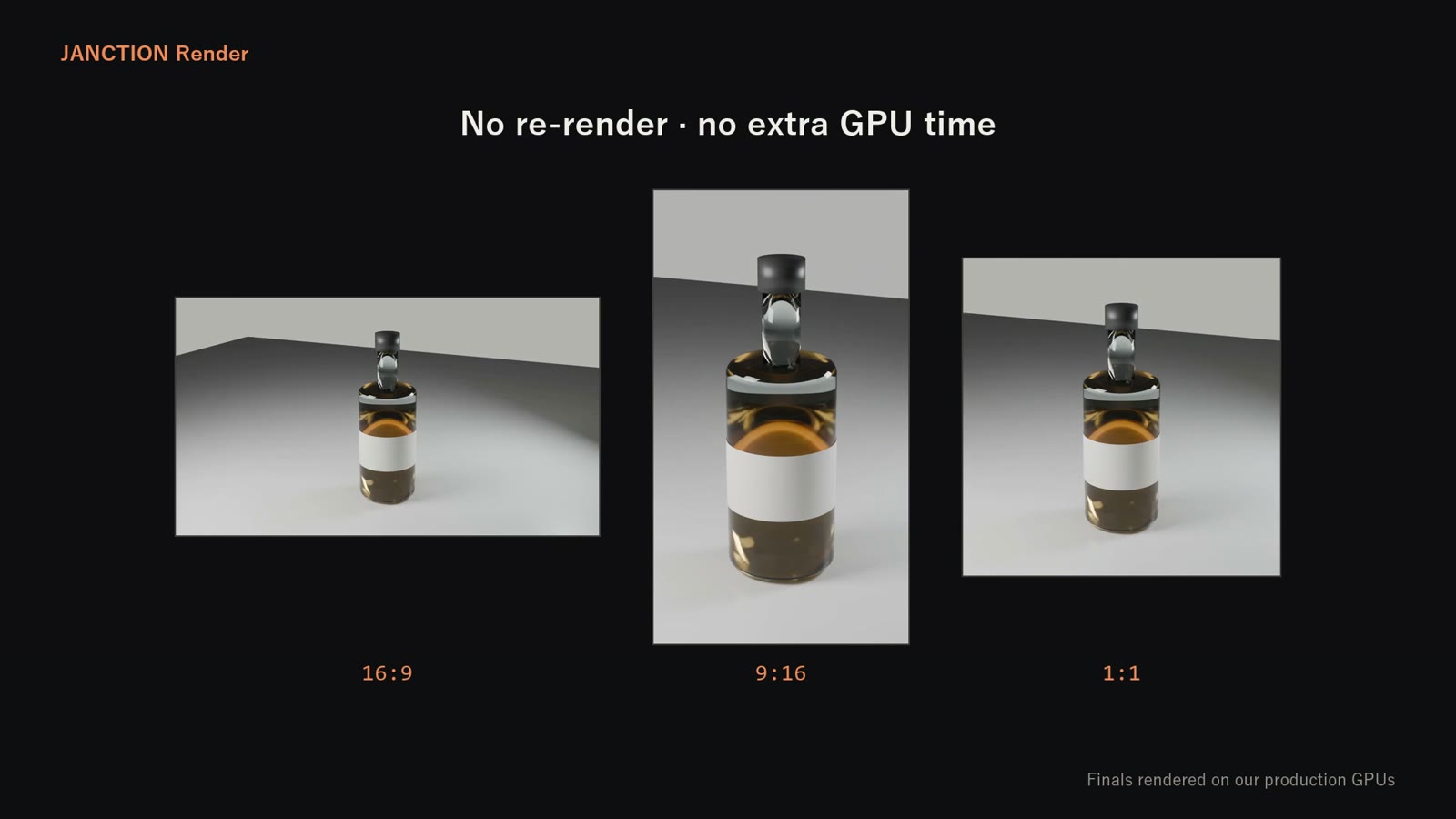
- From one landscape final, vertical (9:16) and square (1:1) videos are cropped around the subject, with no re-render.
- Pass render_estimate's estimate_id to the final, and a render that would cost more than the estimate is refused with nothing charged.
- Every final comes with a delivery list (each file's size and checksum) to check a downloaded folder against.
The images and figures below were rendered on the production service (render.janction.jp).
Vertical and square, with no re-render
1. Cropped around the subject
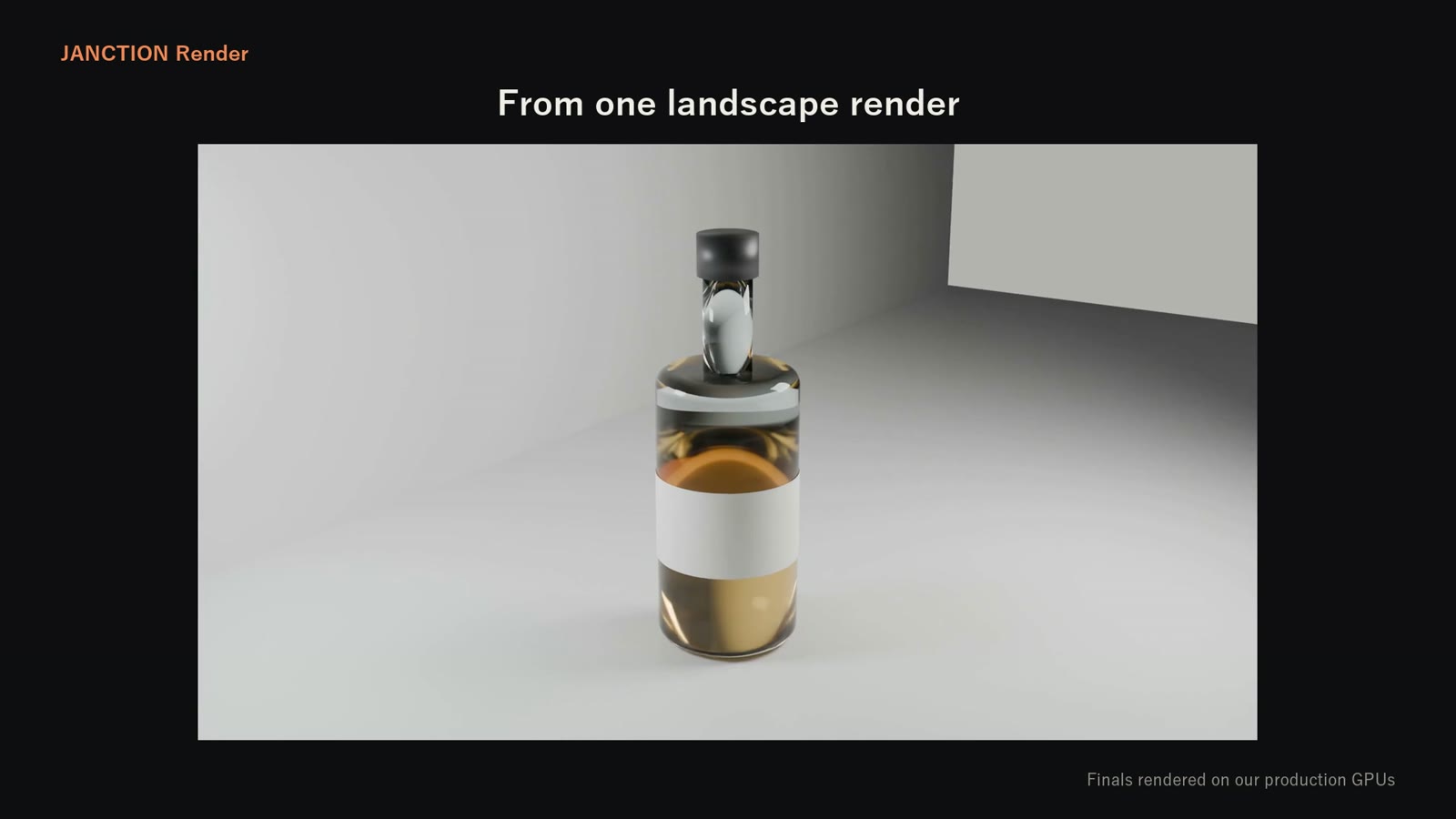
Add deliver=["vertical","square"] to render_final, and the landscape final also gives you a vertical video for Reels and Shorts and a square one for feeds. When the subject fits the frame, the video is cropped around it; when it does not, the whole frame is kept and the reply gives the size to render it again in that shape. Nothing is rendered again, so GPU time does not grow.
Estimates and delivery
2. Never more than the estimate
Pass the estimate_id from render_estimate to the final, and a render that would cost more than the estimate is refused with nothing charged.
3. A delivery list with every final
Every final comes with a delivery list of each file's size and checksum. janction-render verify-package checks a downloaded folder against it.
janction-render verify-package ./downloaded-folderHow to use it
From an AI agent, add the MCP endpoint (https://render.janction.jp/mcp) and ask:
Render an orbit of this bottle, with a vertical video for Reels and a square one for feeds.
From the browser, try it on the workbench at render.janction.jp (no sign-up).
Measured results
| Item | Result |
|---|---|
| Bottle orbit (landscape) | 1920x1080, 96 frames, 64 samples |
| Vertical and square | Cropped from the final's frames (no re-render) |
Frequently asked questions
- Do vertical and square videos add GPU time?
- No. They are cropped from the landscape final's frames, with no re-render.
- What if the subject does not fit the vertical frame?
- The whole frame is kept, and the reply gives the size to render it again in that shape.
- Can I make sure a render never costs more than the estimate?
- Pass render_estimate's estimate_id to the final, and a render that would cost more is refused with nothing charged.
- What is the delivery list?
- A list of each file's size and checksum that comes with every final. janction-render verify-package checks a downloaded folder against it.
About JANCTION Render
JANCTION Render is JasmyLab's Blender cloud GPU rendering service for AI agents. Add one MCP endpoint to ChatGPT, Claude, Codex or Cursor, or send a file from the browser, and your AI can render Blender images and videos without a local GPU or Blender.
- Service: https://render.janction.jp/
- MCP endpoint: https://render.janction.jp/mcp
On X: https://x.com/JANCTION_Global/status/2125142420648304666