
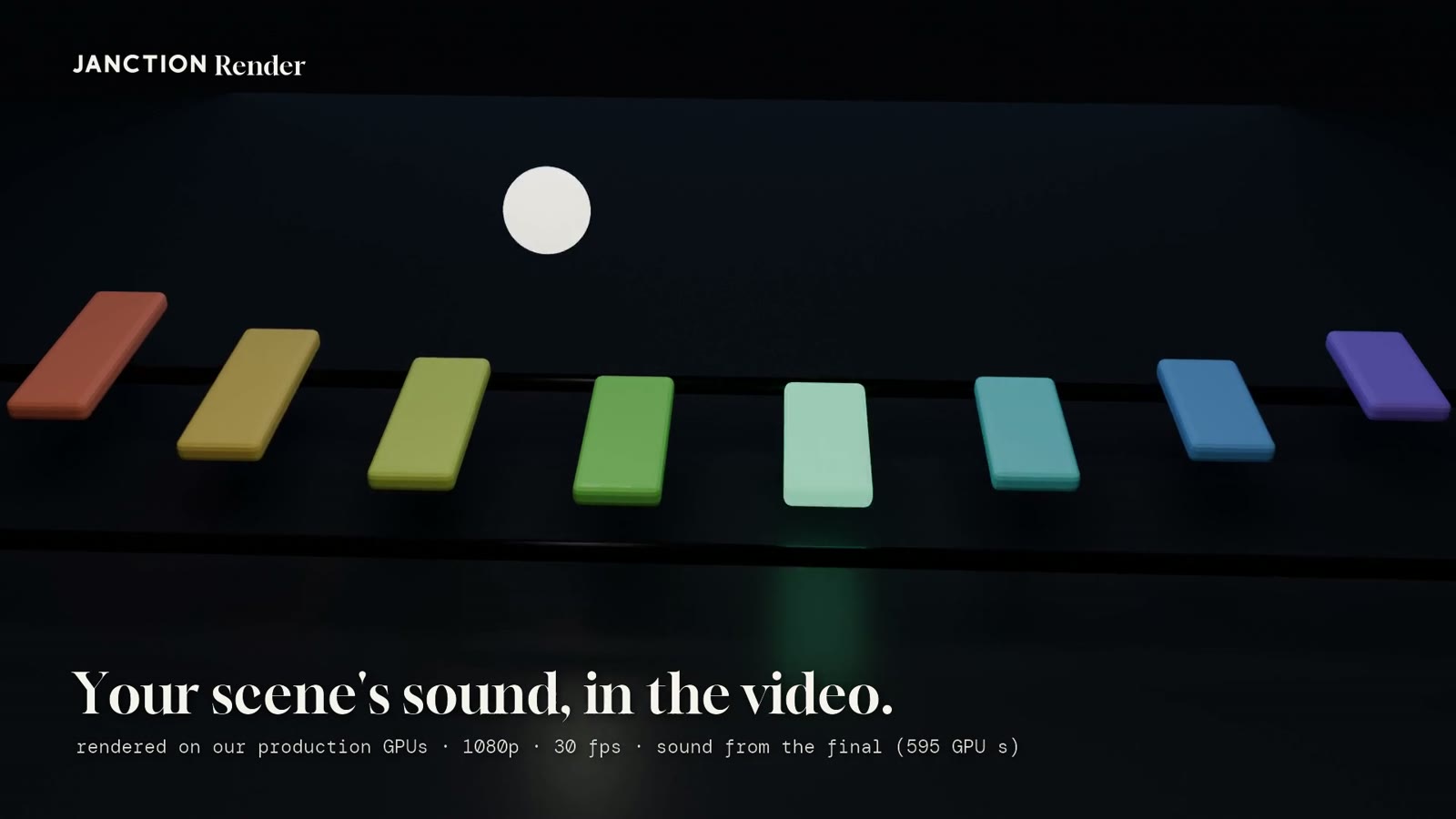
JasmyLab's JANCTION Render, its Blender cloud GPU rendering service for AI agents, now finishes animations with sound. Sound strips in a .blend's sequencer are mixed into the final MP4, WebM or ProRes. Previews can now apply the check's fix by themselves, the delivery check names flicker in one part of the picture, and finished work can be sent to Slack, Discord or your own storage.
- Sound strips in a .blend's sequencer are mixed into the final MP4, WebM or ProRes.
- With auto_fix=1..3, the service applies the check's fix to a preview and previews again by itself. It never starts a final.
- The delivery check names flicker in one part of the picture, by frame, and Slack or Discord gets the finished image.
The images and figures below were rendered on the production service (render.janction.jp).
Animations with sound
1. The sequencer's sound, in the video
Sound strips in a .blend's sequencer are mixed into the final MP4, WebM or ProRes. From an AI agent, use output="mp4" on render_final (keep fps the same as the scene). The CLI and local MCP also send the sound files a .blend uses.
Finish this .blend as an MP4 with sound.
Previews and checks
2. Previews that fix themselves
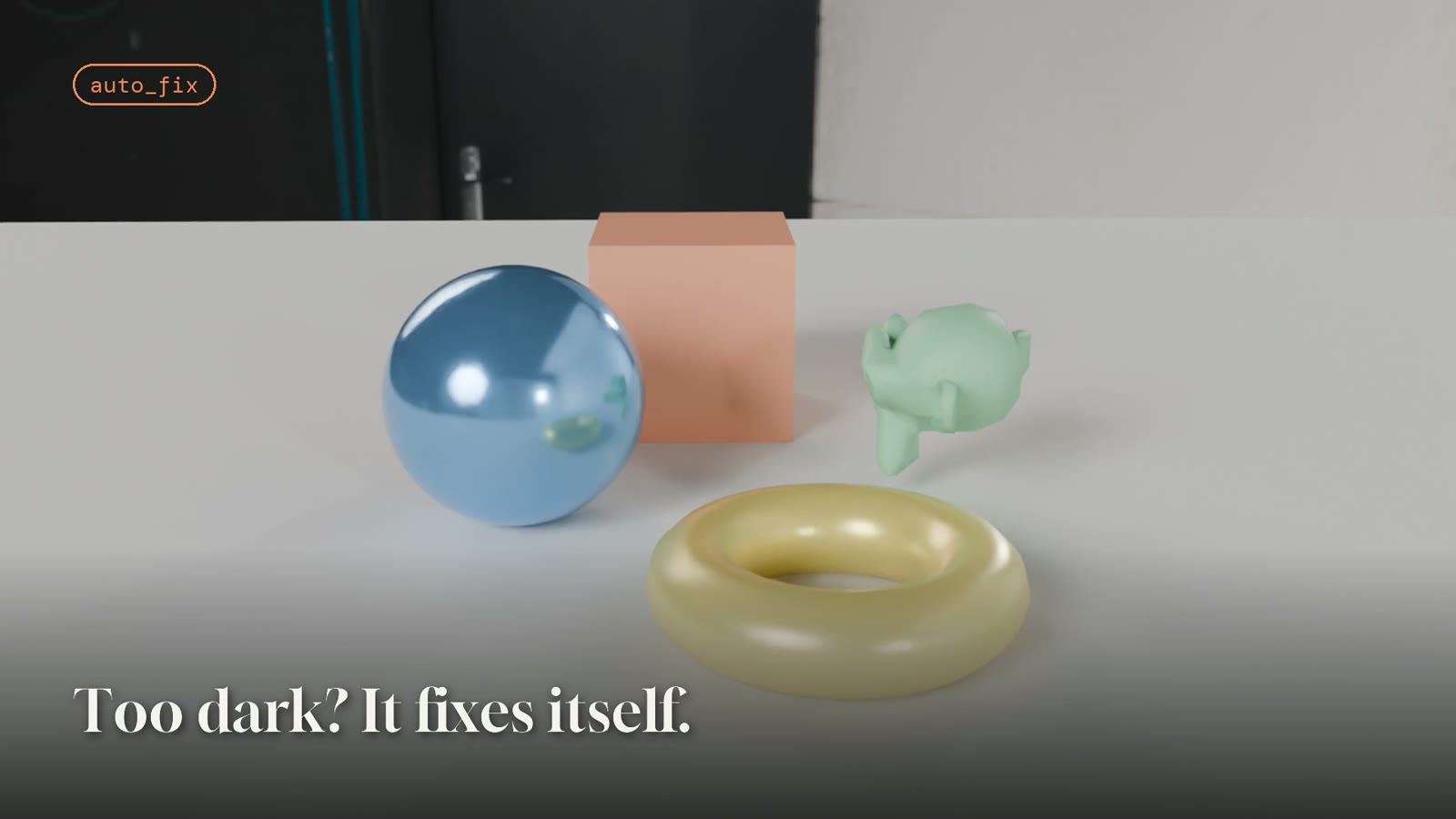
With auto_fix=1..3 on a preview, the service applies the fix the check suggests and previews again by itself, for example lighting a preview that came out black. It never starts a final.
3. Flicker named by frame
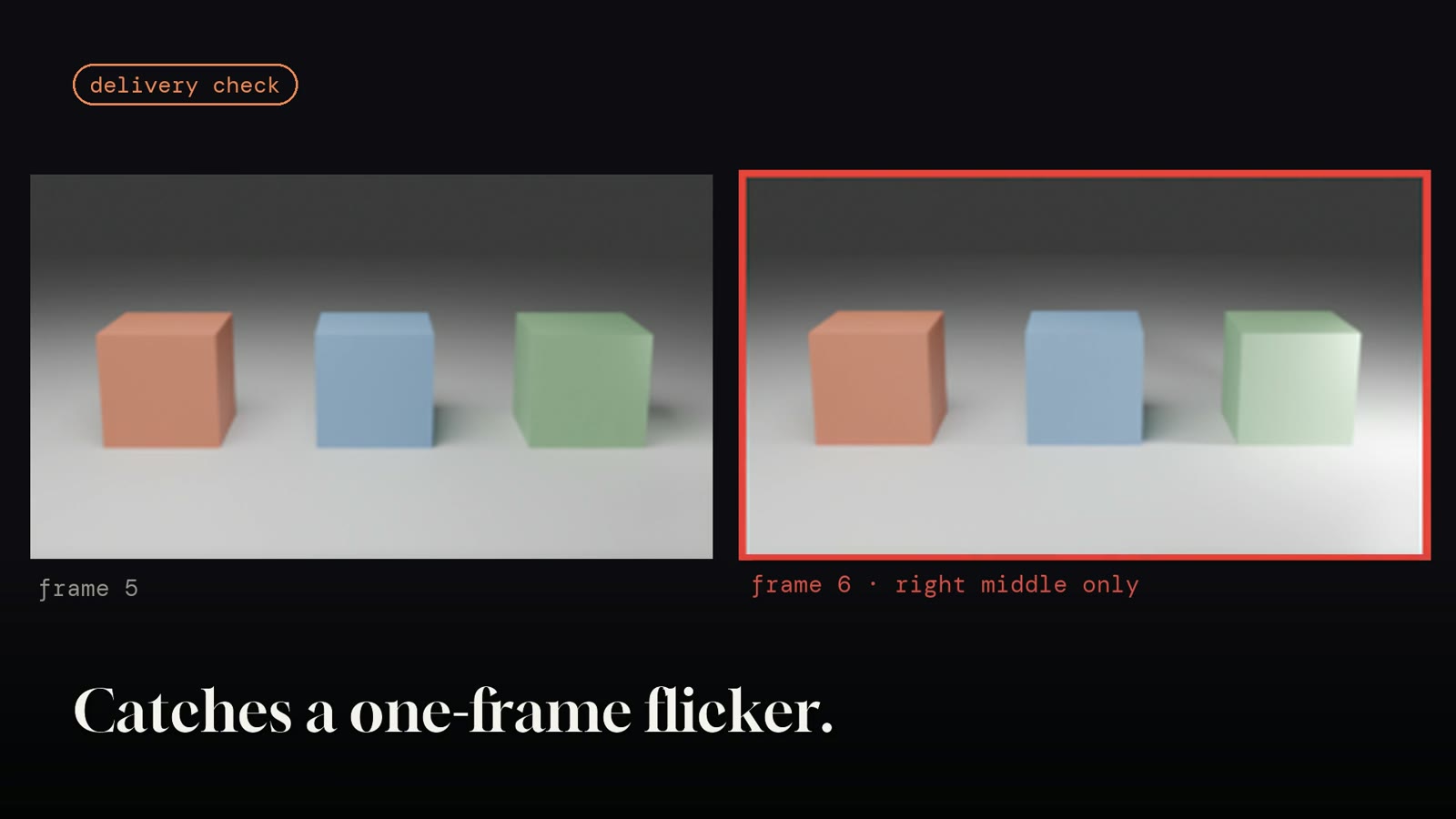
The delivery check also names flicker that happens in one part of the picture, with the frame and the place.
4. Delivered when done
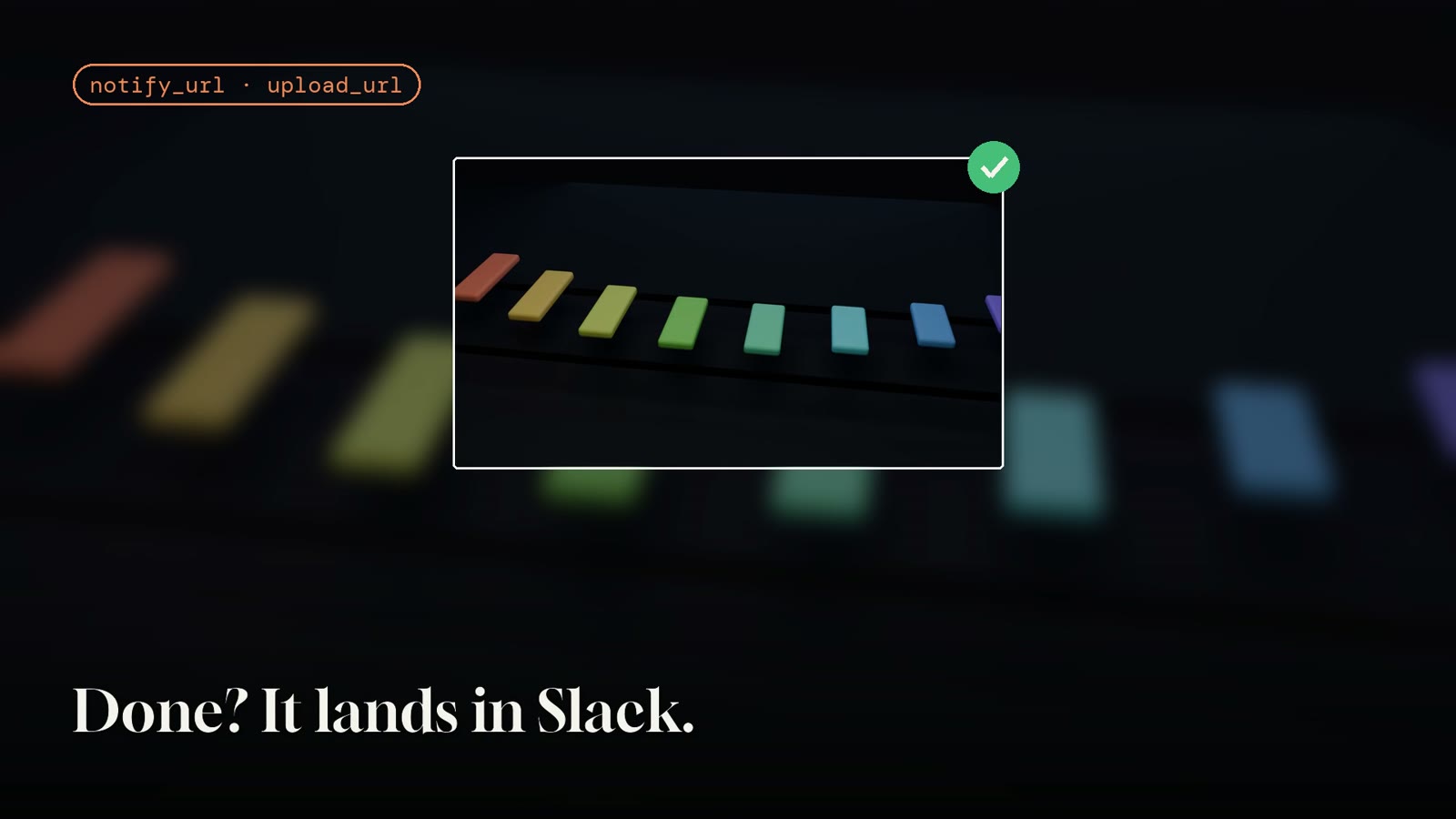
When the render is done, Slack or Discord gets the finished image (notify_url), and the result can go straight into your storage (upload_url).
How to use it
From an AI agent, add the MCP endpoint (https://render.janction.jp/mcp) and ask:
Finish this .blend as an MP4 with sound, and tell me on Slack when it is done.
From the browser, try it on the workbench at render.janction.jp (no sign-up).
Measured results
| Item | Result |
|---|---|
| Xylophone (MP4 with sound) | 1080p, 30 fps, 180 frames, 595 GPU seconds |
| Bouncing ball (MP4 with sound) | 1080p, 30 fps, 90 frames, 359 GPU seconds |
| Preview that fixed itself | A black preview, previewed again with environment=studio |
Frequently asked questions
- Where do I put the sound?
- Sound strips in the .blend's sequencer go into the final video as they are. The CLI and local MCP also send the sound files the .blend uses.
- Which formats get the sound?
- The final MP4, WebM and ProRes. Keep fps the same as the scene.
- Does auto_fix go on to render a final?
- No. It applies the fix and previews again. It never starts a final.
- Where is the finished work sent?
- notify_url sends the finished image to Slack or Discord, and upload_url puts the result straight into your storage.
About JANCTION Render
JANCTION Render is JasmyLab's Blender cloud GPU rendering service for AI agents. Add one MCP endpoint to ChatGPT, Claude, Codex or Cursor, or send a file from the browser, and your AI can render Blender images and videos without a local GPU or Blender.
- Service: https://render.janction.jp/
- MCP endpoint: https://render.janction.jp/mcp
On X: https://x.com/JANCTION_Global/status/2123347797672149338