
JasmyLab has added JANCTION Storage (beta) to every monthly plan of JANCTION Render, its Blender cloud GPU rendering service for AI agents. Your renders and scenes are kept for as long as you are subscribed, and you can open them from your AI's reply or the browser workbench and render them again. Every monthly plan uploads .blend files up to 10 GB. We have also added subject-only rendering for 3D scans and camera moves. It is available to everyone from today.
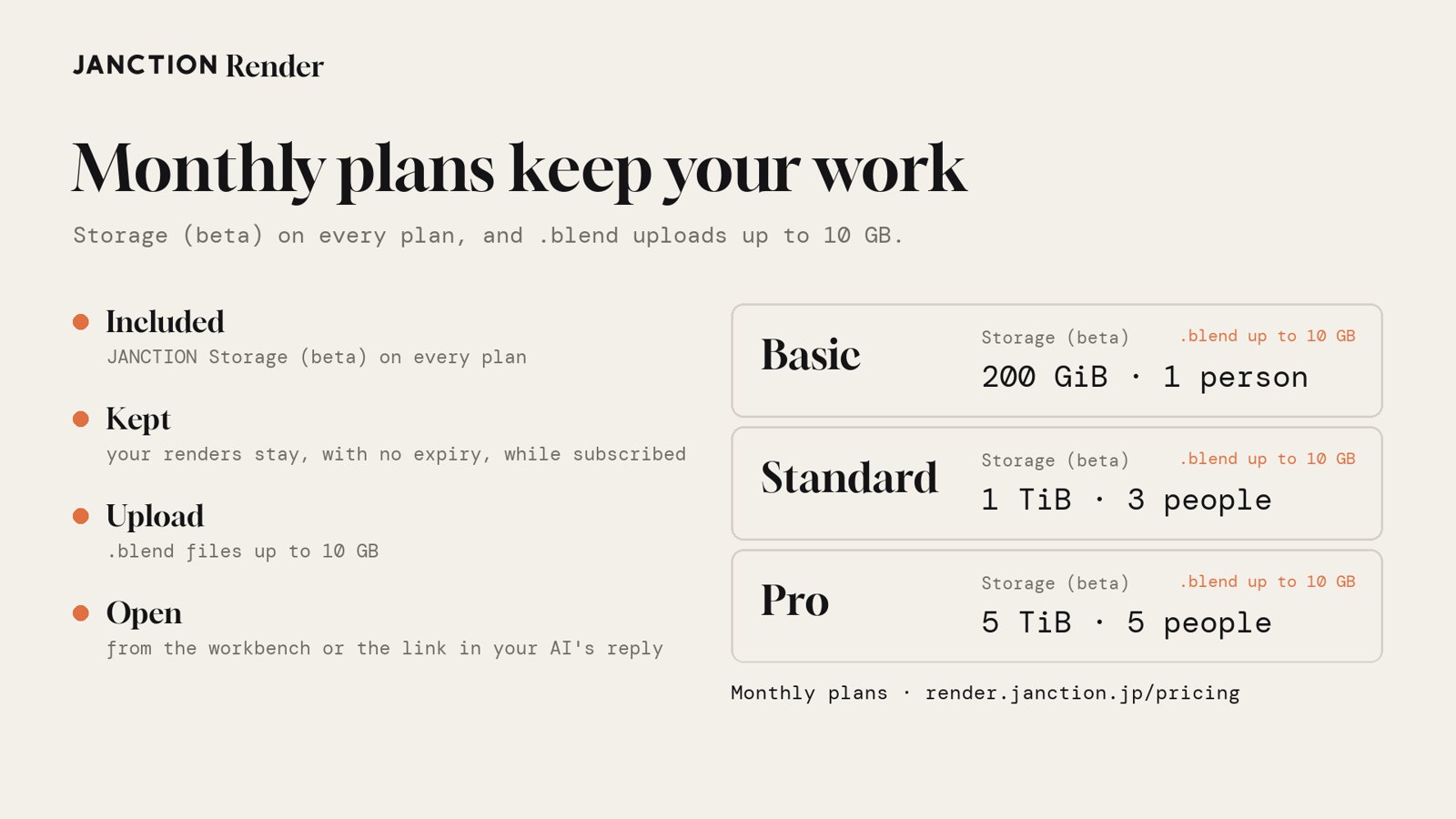
- Every monthly plan includes JANCTION Storage (beta), and renders and scenes are kept for as long as you are subscribed (Basic 200 GiB, Standard 1 TiB for 3, Pro 5 TiB for 5).
- Every monthly plan uploads .blend files up to 10 GB.
- 3D scans render as just the subject, big scans and 3DGS .ply files render as they are, and the camera can push in, pull back, orbit and rise.
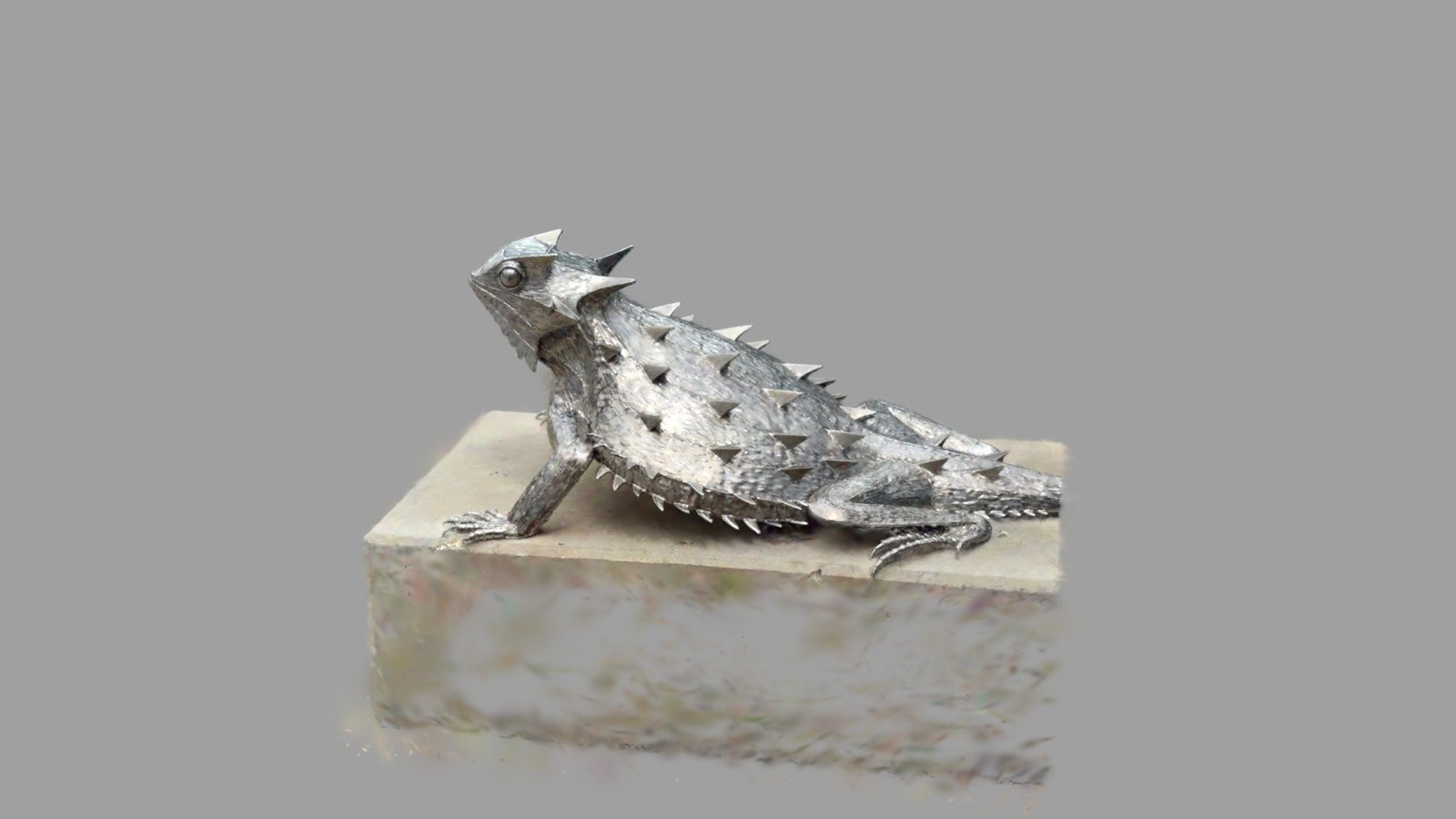
The images and figures below were rendered on the production service (render.janction.jp) on November 16, 2026. The scan is hornedlizard.spz by Niantic (MIT).
Monthly plans now keep your work
1. JANCTION Storage (beta) on every plan
Until now, renders were deleted 24 hours after their last use (7 days after a top-up), and continuing meant sending the scene again. Every monthly plan now includes JANCTION Storage (beta), and renders and scenes are kept for as long as you are subscribed. There is nothing to save by hand: a finished render goes straight in.
| Monthly plan | JANCTION Storage (beta) | .blend uploads |
|---|---|---|
| Basic | Personal: 200 GiB, 1 person | up to 10 GB |
| Standard | Pro: 1 TiB, 3 people | up to 10 GB |
| Pro | Team: 5 TiB, 5 people | up to 10 GB |
2. .blend files up to 10 GB
Until now, only the Pro monthly plan accepted .blend files up to 10 GB. From today every monthly plan, from Basic, does. Large scenes with packed textures can be sent as they are and rendered to the final.
3. Pick up where you left off
When a render finishes, your AI's reply includes a one-time link to open it in storage, and the browser workbench opens it too. Each version lists its results and source scene, so you can render it again with the same settings or continue with your AI.
3D scans and cameras
4. Render just the subject
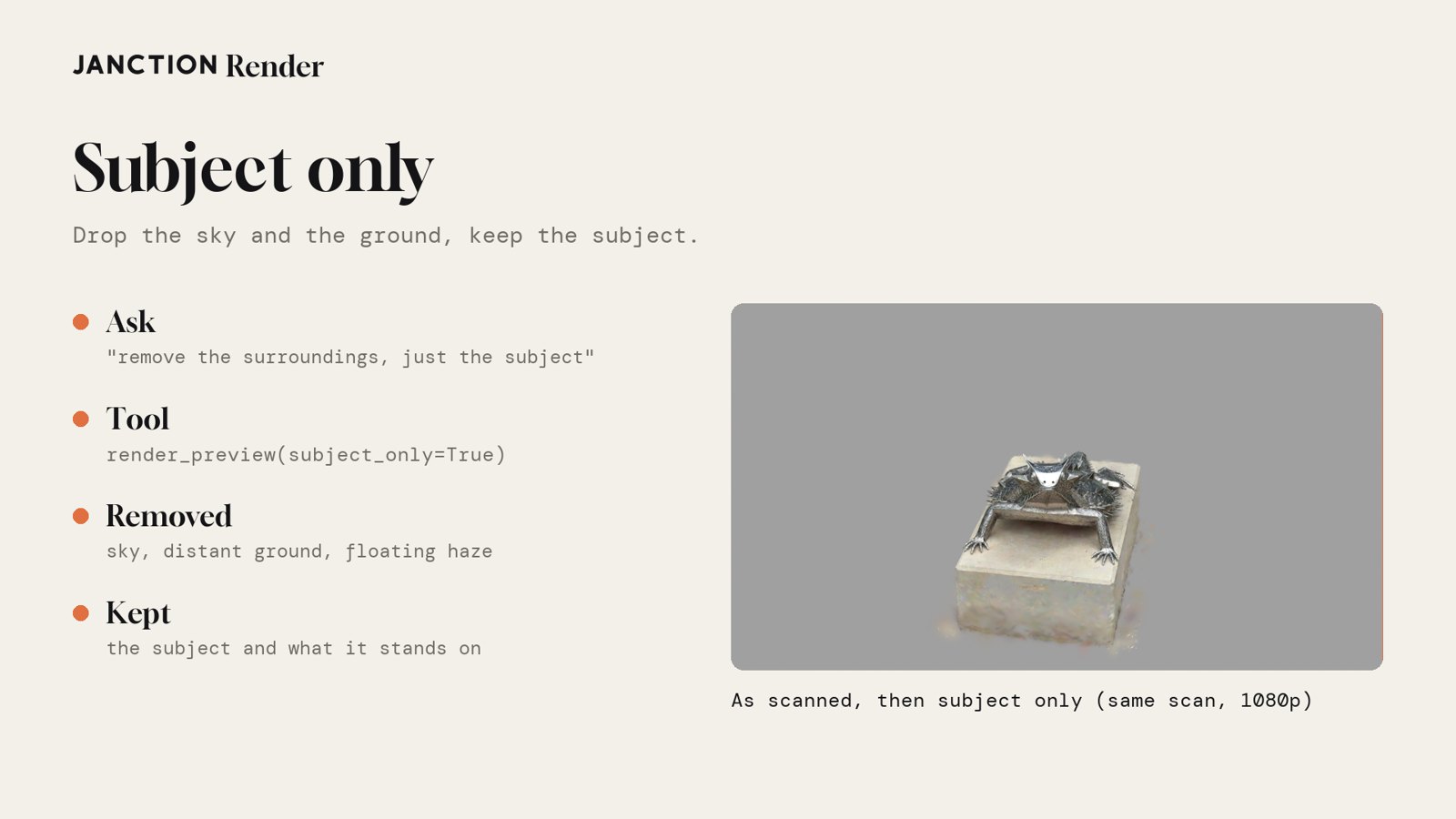
3D scans (.spz and 3DGS .ply) taken with a phone also capture the sky, distant ground and floating haze. Subject only removes them and renders the subject and what it stands on. In the browser workbench it is on when you drop a scan.
5. Big scans and 3DGS .ply files
Scans over 2 million points used to be refused. From today they render with their most visible points (up to twice the limit); the file is not changed and the reply says how many points were kept. 3DGS .ply files with -Y up, which used to come out on their side, are now turned upright from their floor before rendering.
6. Camera moves
We have added four camera moves: push in (push_in), pull back (pull_back), orbit (arc) and rise (rise). Ask your AI to "push in on it", or set it on the command line. For scans there is also a preset (preset="scan") with one orbit and subject only on by default.
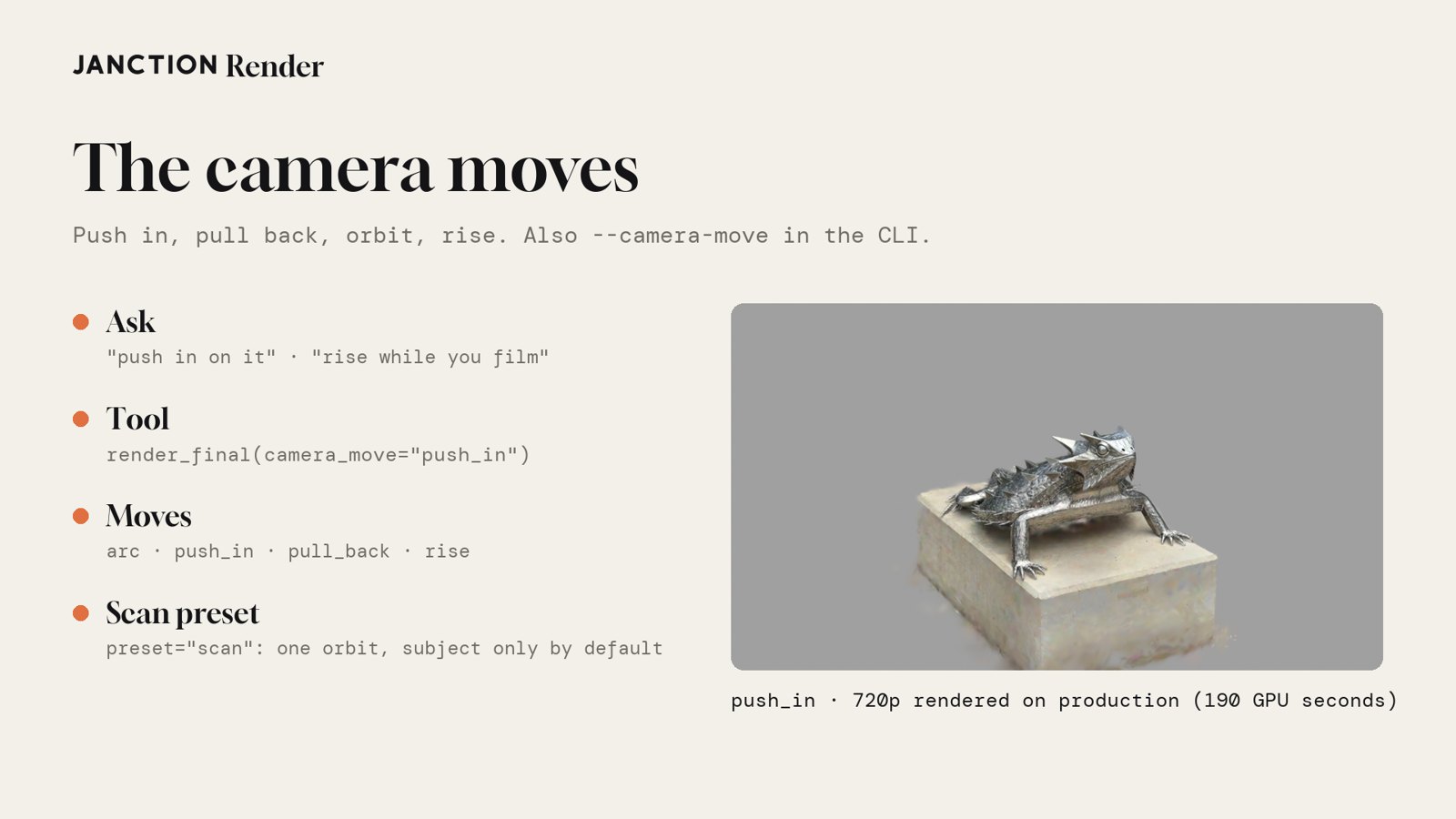
janction-render render lizard.spz --preset scan --camera-move push_inHow to use it
From an AI agent, add the MCP endpoint (https://render.janction.jp/mcp) and ask:
Render this scan as just the subject, pushing in on it.
Open my last render and render it again with the same settings.
Monthly plans are on the render.janction.jp pricing page. In the browser, send a file on the render.janction.jp workbench (no sign-up).
Measured results
| Item | Result |
|---|---|
| Sample | hornedlizard.spz by Niantic (MIT) |
| Subject only, one orbit | 1920x1080, 96 frames, 324 GPU seconds |
| Push in | 1280x720, 96 frames, 190 GPU seconds |
| Rise | 1280x720, 96 frames, 196 GPU seconds |
| Storage on a monthly plan | On Basic, storage showed "active, 200 GiB" and finished renders arrived with their versions, results and source scenes |
Frequently asked questions
- What is JANCTION Storage (beta)?
- A place that keeps the renders and scenes you make on JANCTION Render. It comes with every monthly plan and keeps them with no expiry while you are subscribed. Open any render from your AI's reply or the browser workbench and render it again with the same settings.
- How much storage comes with each monthly plan?
- Basic includes Personal (200 GiB, 1 person), Standard includes Pro (1 TiB, 3 people) and Pro includes Team (5 TiB, 5 people). Every plan uploads .blend files up to 10 GB.
- What happens to saved work if I cancel?
- When the paid period ends, saved items get an expiry and can still be opened and downloaded for 90 days. You are notified before the expiry.
- What can I do with 3D scans?
- Render just the subject with the sky and ground removed, render big scans with their most visible points, and render 3DGS .ply files upright. .spz and 3DGS .ply files are supported.
- Where can I use camera moves?
- From AI agents such as Claude or Cursor over MCP (camera_move in render_final), from the browser workbench, or from the command line (janction-render render --camera-move). The moves are push in, pull back, orbit and rise.
About JANCTION Render
JANCTION Render is JasmyLab's Blender cloud GPU rendering service for AI agents. Add one MCP endpoint to ChatGPT, Claude, Codex or Cursor, or send a file from the browser, and your AI can render Blender images and videos without a local GPU or Blender.
- Service: https://render.janction.jp/
- MCP endpoint: https://render.janction.jp/mcp
On X: https://x.com/JANCTION_Global/status/2122249119377059875